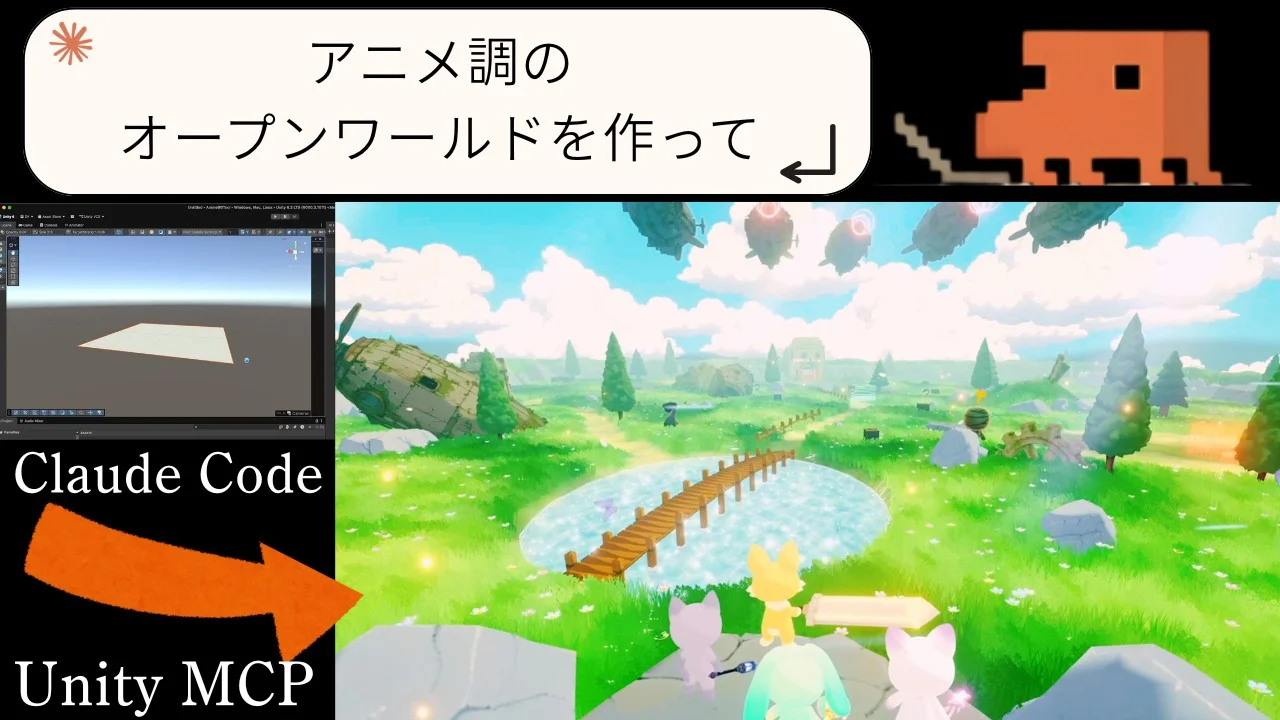
Can Claude Code × Unity MCP Build an Anime-Style Open World? A 65-Minute Field Test
TL;DR · What you'll learn
- 1 A creator pairs Claude Code with Unity MCP and attempts to build an anime-style open-world background. The creator says nudging an AI toward anime-style art is genuinely hard — landing it without breakage wouldn't have been possible without Claude Code + MCP.
- 2 The trigger was a comment on the previous video: 'Claude Code automates more, and Unity MCP lets the AI drive Unity directly.' With MCP wired in, 'just ask and Claude places and adjusts objects in Unity for you.'
- 3 On the previous video the creator asked Gemini, GPT, and Claude whether to use agents; all three said 'don't, you'll lose track of what's happening' — so it was skipped. This time, with more Unity fluency, the creator commits to full agent operation.
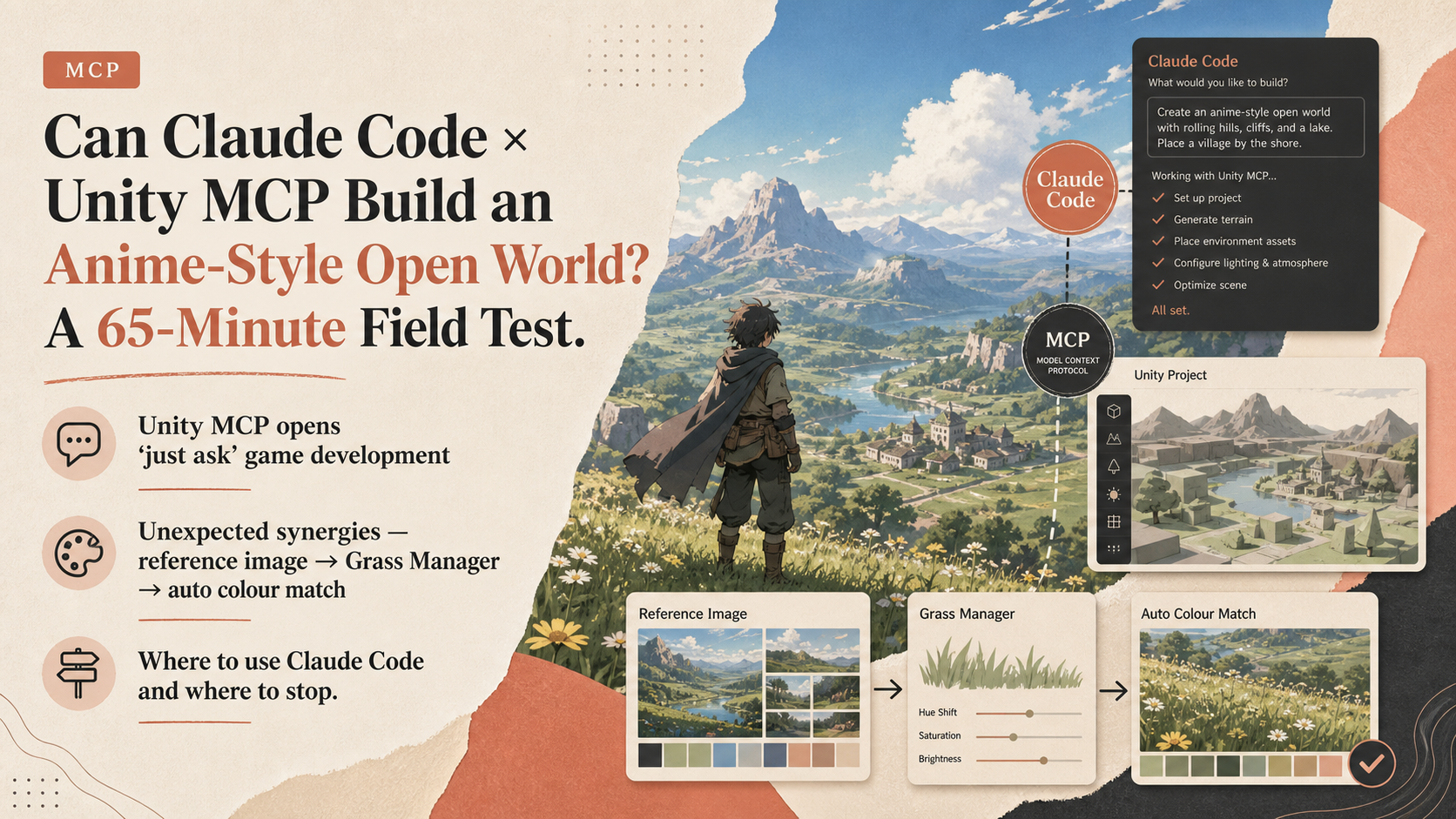
- 4 Surprise win: hand a reference image to the Grass Manager and ask 'match the colours,' and Claude Code uses the tool to do the colour-matching automatically. Not designed for it, but it just works.
- 5 An auto-depress-the-road tool was generated too. On a terrain with hand-brushed bumps, naïve application would flatten the brushwork — but Claude Code respected those and produced a version that preserved them.
- 6 Practical conclusion: not everything is faster with AI. Claude Code + MCP is slow for small things. The realistic split is: do the easy stuff yourself (use it as a tool), and hand big or repetitive work to Claude.
- 7 Claude Code's real superpower is bug tracing. It can step into Unity, run experiments, isolate root causes, and fix them. Complex systems, repetitive work, and debugging — that's where it pays off.
- 8 Final assessment: 'we got most of the way there.' The anime feel is clearly better than the previous stage. The field-building tool itself took enormous time, so the creator plans to sell it on the Asset Store for a few thousand yen — 'cheaper than rebuilding it yourself, even with Claude.'
Read as slides
3 slides total
Unity MCP opens 'just ask' game development
The starting point was a comment on the previous video: 'Claude Code automates more, and Unity MCP lets the AI drive Unity directly.' Wire MCP in, and you can ask the AI to place objects and adjust the scene without touching Unity yourself.
Last time, the creator asked Gemini, GPT, and Claude whether to use agents at that stage and all three said 'don't — you'll lose track of what's happening,' so it was skipped. This time, with a stronger working knowledge of Unity, the creator commits to running Claude Code + Unity MCP at full strength, targeting an anime-style open-world background as the concrete goal.
Unexpected synergies — reference image → Grass Manager → auto colour match
Some wins were not designed in. Hand a reference image to the Grass Manager and say 'match the colours,' and Claude Code uses the tool to do the colour matching on its own. When the result felt too bright, asking for 'something more subdued' produced an instant correction. The final palette landed with slightly lower saturation but a satisfying anime feel.
Terrain tooling showed the same pattern. An auto-depress-the-road tool was generated; on terrain where the creator had hand-brushed bumps and dips, naïve application would have flattened the brushwork. After being told 'please respect those,' Claude Code returned a version that explicitly preserved the brush-made bumps. AI behavior that doesn't trample your manual work matters a lot for real production.
Where to use Claude Code and where to stop
The practical conclusion is honest. Not everything benefits from AI. Claude Code + MCP is slow for small interactions — sometimes skipping the AI is faster. The realistic split is to do the easy or fast bits yourself (treat it as a tool), and hand the big work or repetitive work to Claude. Implement one enemy and then say 'do the rest of the cast the same way' — that's where the agent really earns its keep.
The biggest superpower is bug tracing. Claude Code can step inside Unity, run isolation experiments, and pin down root causes with a depth that's hard to match manually. Complex systems, repetition, and debugging — those three are where Claude Code is genuinely strong. The final anime open-world background looked clearly better than the previous stage. The field-building tool itself took serious work to build, so the creator is shipping it on the Asset Store at a few thousand yen — 'cheaper than building it yourself again, even with Claude helping.'
Editor's Take
The highlight of this anime-style open-world experiment with Unity MCP is the honest conclusion that 'in many moments it's faster not to delegate.' Claude Code's real strength isn't one-shot generation but bug tracing — entering the engine internals and isolating causes experimentally. Doing simple, tool-able tasks yourself while handing large, repetitive, and debugging work to AI offers the most realistic guideline for agent use.
Source
素人がCGアニメーション始めてみた
【AIエージェント】Claude CodeとUnity MCPでアニメ調のオープンワールドは作れるのか?
This article auto-summarizes the YouTube video's transcript with Claude. Please refer to the original video for nuance and exact wording.
Watch on YouTube →Related
3 articles
Eric Tech
The Complete OpenCode Tutorial: Keep Claude Code's Playbook (Skills, MCP, agents.md) While Freely Choosing Your Model
Coding agents tend to lock you into one provider and model, but OpenCode lets you freely choose between existing subscriptions, free models, API-key models, or local models -- while keeping the features popularized by Claude Code and Codex.
IBM Technology
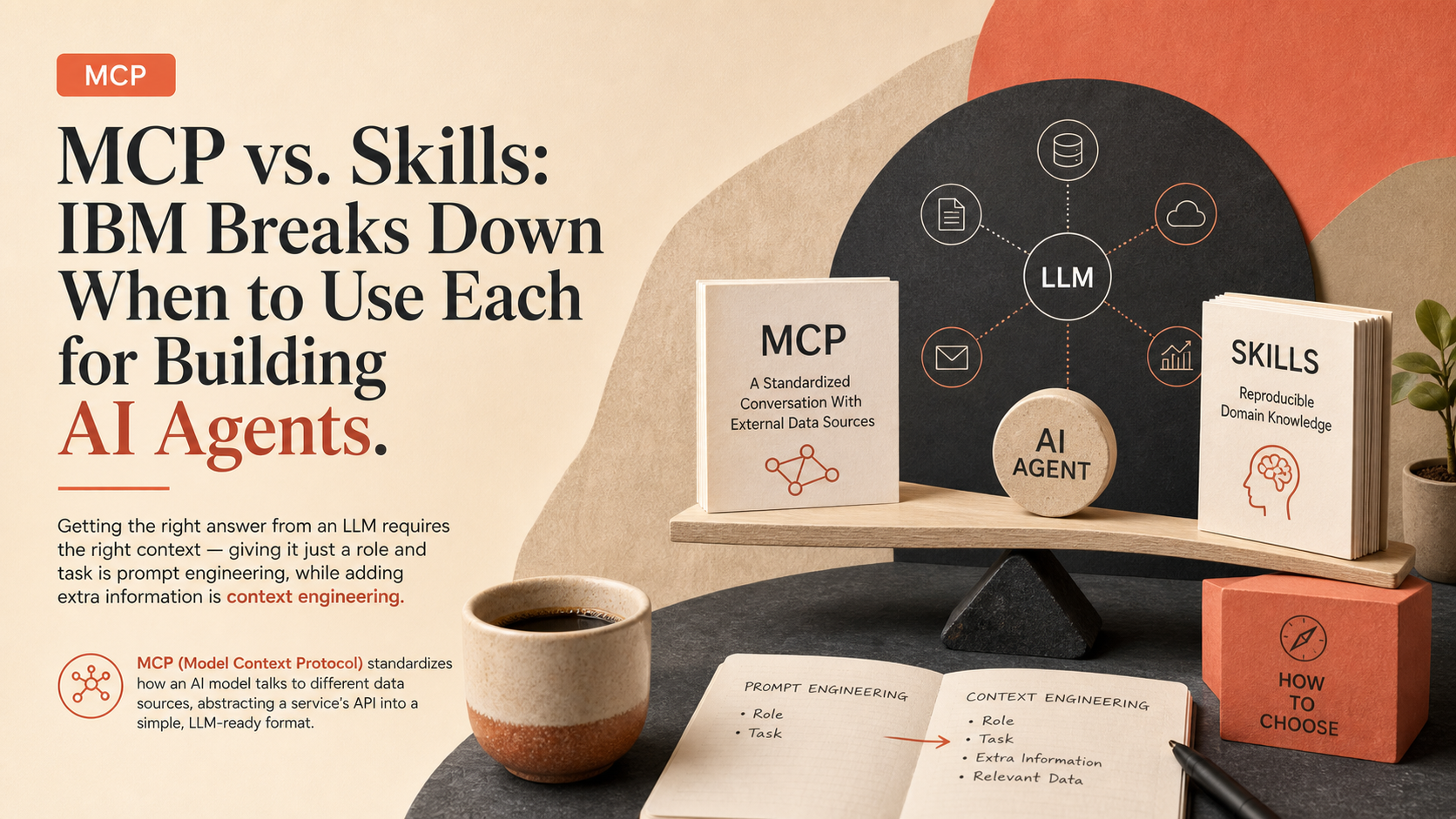
MCP vs. Skills: IBM Breaks Down When to Use Each for Building AI Agents
Getting the right answer from an LLM requires the right context -- giving it just a role and task is prompt engineering, while adding extra information is context engineering.
Griffin Wooldridge
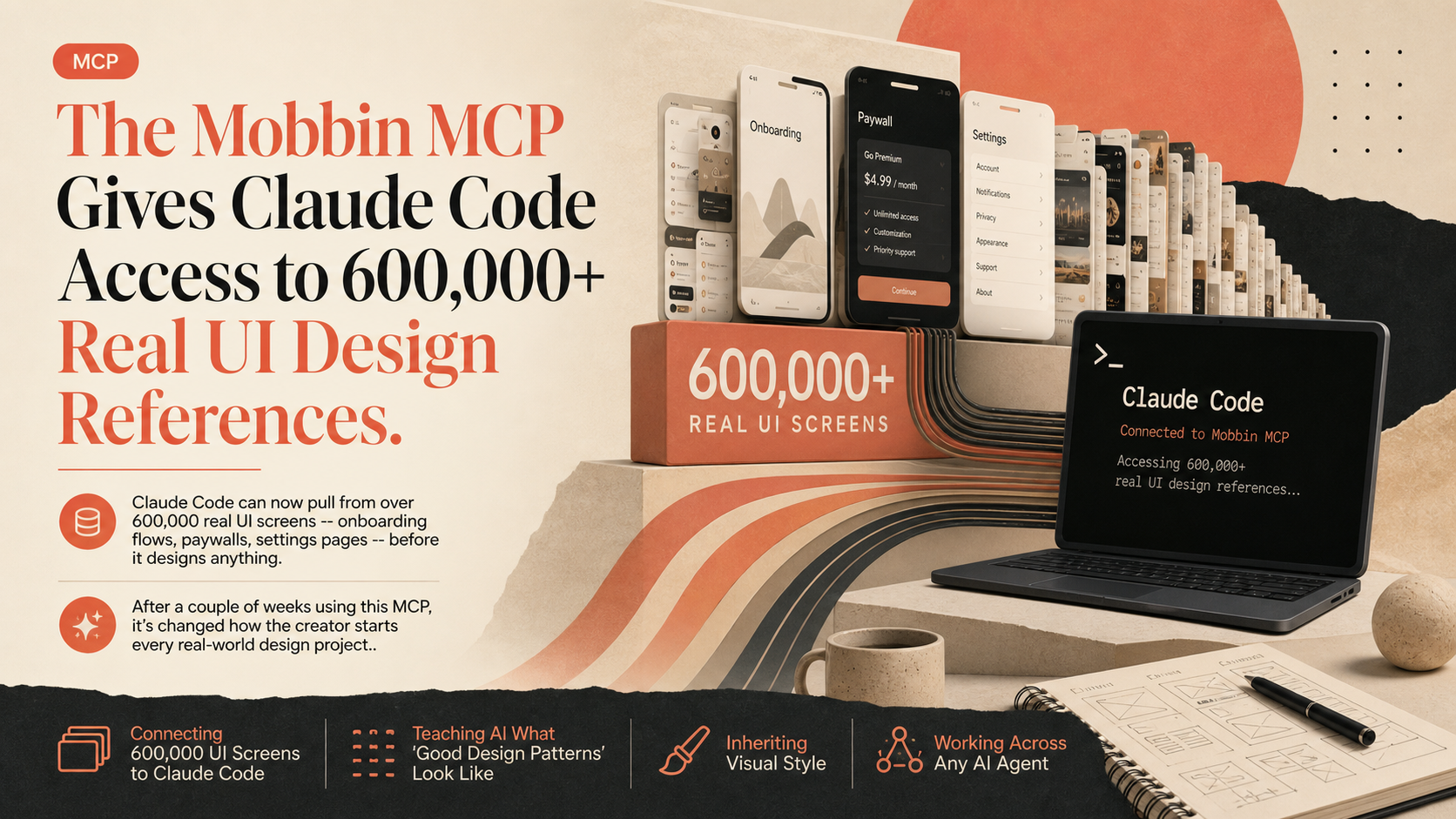
The Mobbin MCP Gives Claude Code Access to 600,000+ Real UI Design References
Claude Code can now pull from over 600,000 real UI screens -- onboarding flows, paywalls, settings pages -- before it designs anything.