Claude Daily Claude Daily
RSS
Christian Lempa 29 min video 3 slides

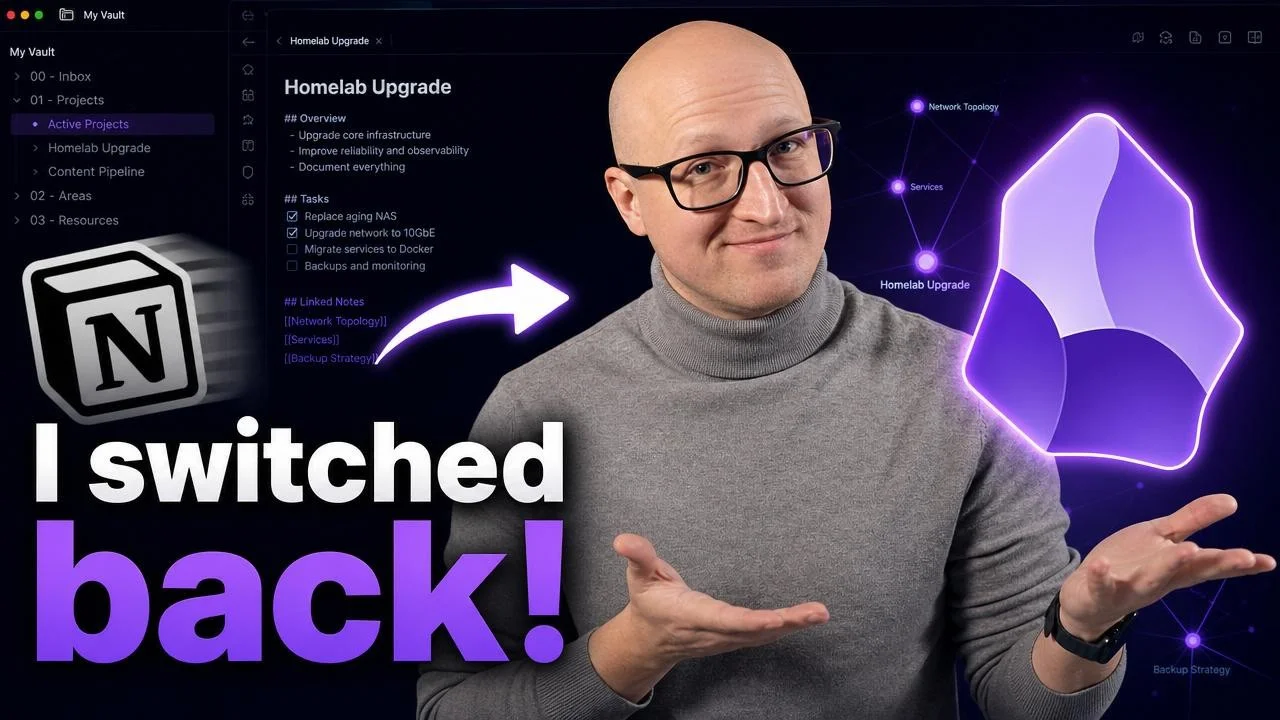
Why I Went Back to Obsidian From Notion: Choosing a Notes Setup for the Local-AI-Agent Era
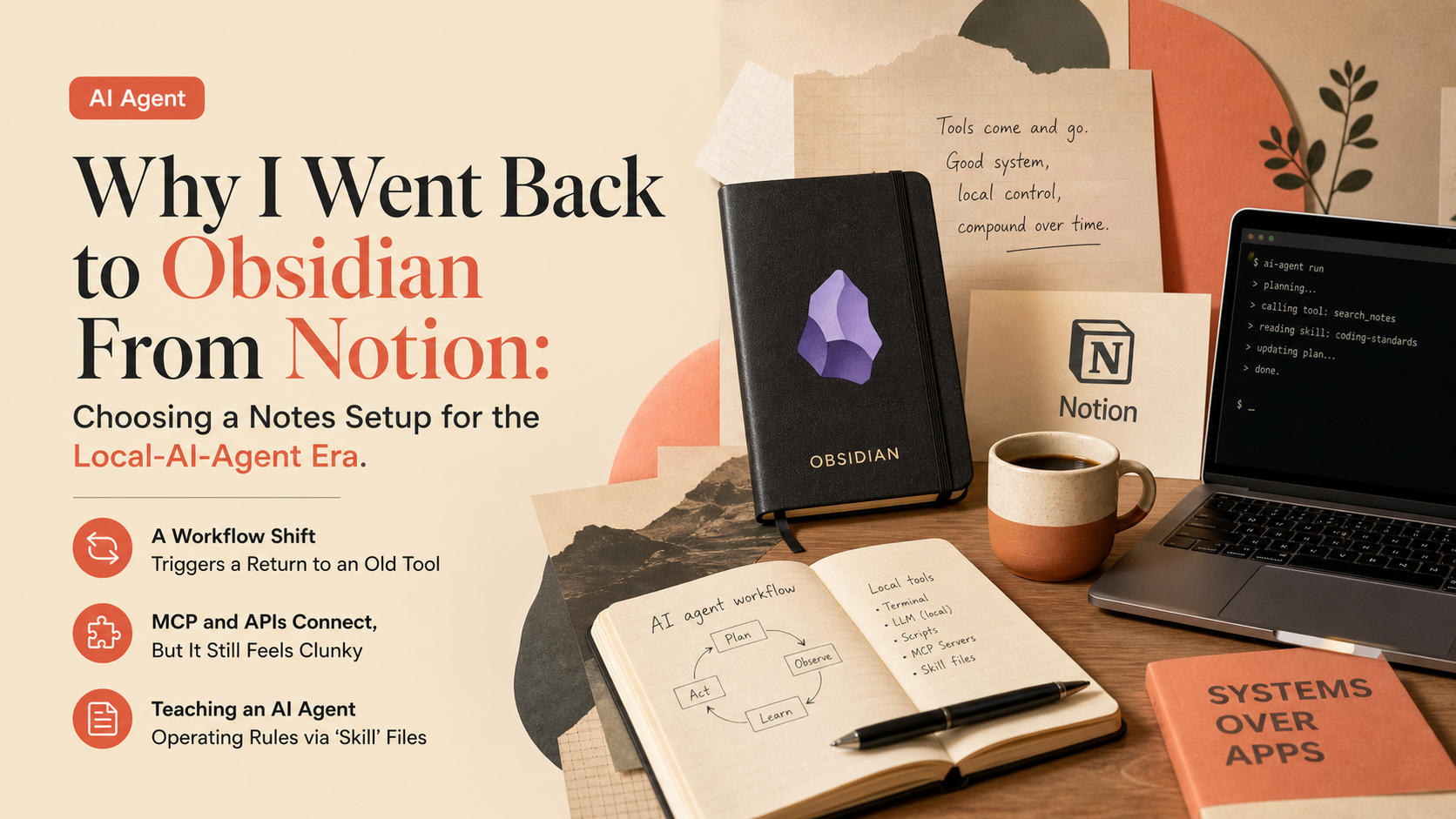
I Switched Back to Obsidian (because of AI)
11,223 views 7 highlights

TL;DR · What you'll learn

  • 1 The same creator who once published a video on 'why I switched from Obsidian to Notion' admits he's moved his main notes and project-management workflow back to Obsidian.
  • 2 The trigger was a workflow shift: using terminal-based AI agents and local tools far more often than before.
  • 3 Cloud tools like Notion, Confluence, ClickUp, and Airtable work great out of the box -- until you try bringing in your own AI agents, existing local tools, or custom workflows.
  • 4 He points out that major platforms tend to push you toward using their own AI assistant, tied to their own subscription and locked inside their own ecosystem.
  • 5 Technically you can connect via MCP servers, APIs, or CLI apps, but it still feels clunky, cloud-dependent, and slow.
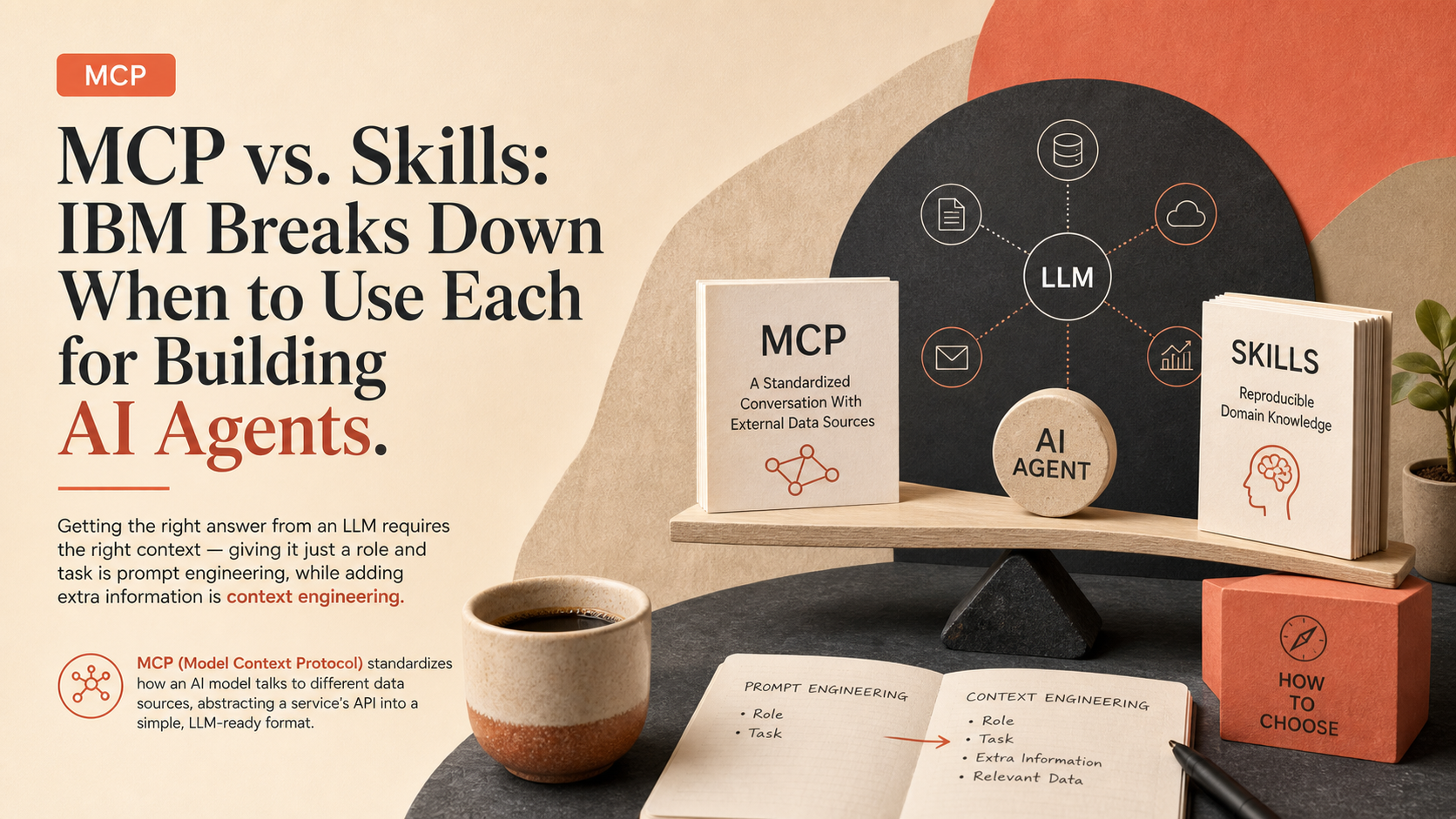
  • 6 He shows concrete guidelines fed to the AI agent as a 'skill' file -- don't duplicate service-specific deployment details, prefer managing infrastructure as code via Terraform, and so on.
  • 7 His conclusion: if you want full control over your data, tools, and AI subscriptions, simple markdown files and Obsidian are the best fit.

Read as slides

3 slides total

01 Slide 1 / 3
Watch at 00:00

A Workflow Shift Triggers a Return to an Old Tool

The creator who once made a video explaining why he moved from Obsidian to Notion now admits he's switched his main notes and project-management tool back to Obsidian. The trigger was a shift in workflow -- using terminal-based AI agents and local tools far more than before.

Cloud-based developer tools like Notion, Confluence, ClickUp, and Airtable work great out of the box, but the moment you try to bring in your own AI agents, existing local tools, or custom workflows, things get complicated. These major platforms tend to push users toward their own AI assistant, tied to a proprietary subscription and locked inside a closed ecosystem.

Claude Daily 01 / 03
02 Slide 2 / 3
Watch at 01:06

MCP and APIs Connect, But It Still Feels Clunky

Technically, MCP servers, APIs, and CLI apps can connect these cloud tools to your own AI setup, but it still feels dependent on a cloud connection, slow, and not portable. That's what drove the decision to move workflows toward local, open tools -- and Obsidian, which just uses plain markdown files, fit that shift naturally.

Claude Daily 02 / 03
03 Slide 3 / 3
Watch at 13:59

Teaching an AI Agent Operating Rules via 'Skill' Files

In practice, that means writing guidelines into a 'skill' file that the AI agent reads: don't duplicate service-specific deployment details inside the skill itself, prefer managing infrastructure as code via Terraform or OpenTofu over ad hoc runtime changes, and document how key repositories like GitLab, DNS, and Prometheus should be handled.

With those rules in place, a single slash command from the terminal can generate an onboarding plan and checklist. His conclusion: for anyone who wants full control over their data, tools, and AI subscriptions, simple markdown files paired with Obsidian remain the best choice.

Claude Daily 03 / 03

Editor's Take

This case shows how the rise of AI agents is reshaping the calculus behind choosing a notes app. Cloud tools once won on ease of use and team collaboration; now they're being re-evaluated against a new criterion -- can you freely bring your own AI agent into the workflow? Major platforms locking their own AI assistant into a closed ecosystem may look like a UX win short-term, but for power users leaning on local AI agents, it's increasingly a reason to leave. The return to plain markdown -- about as basic a format as exists -- is a notable reassessment of portability's value in the AI-agent era.

Source

I Switched Back to Obsidian (because of AI)

Christian Lempa

I Switched Back to Obsidian (because of AI)

Published 7/2/2026 29 min 11,223 views

This article auto-summarizes the YouTube video's transcript with Claude. Please refer to the original video for nuance and exact wording.

Watch on YouTube

Related

3 articles