
Claude Fable 5 vs. Opus 4.8: An AI Ad-Video Showdown With the Complete Higgsfield MCP Workflow
TL;DR · What you'll learn
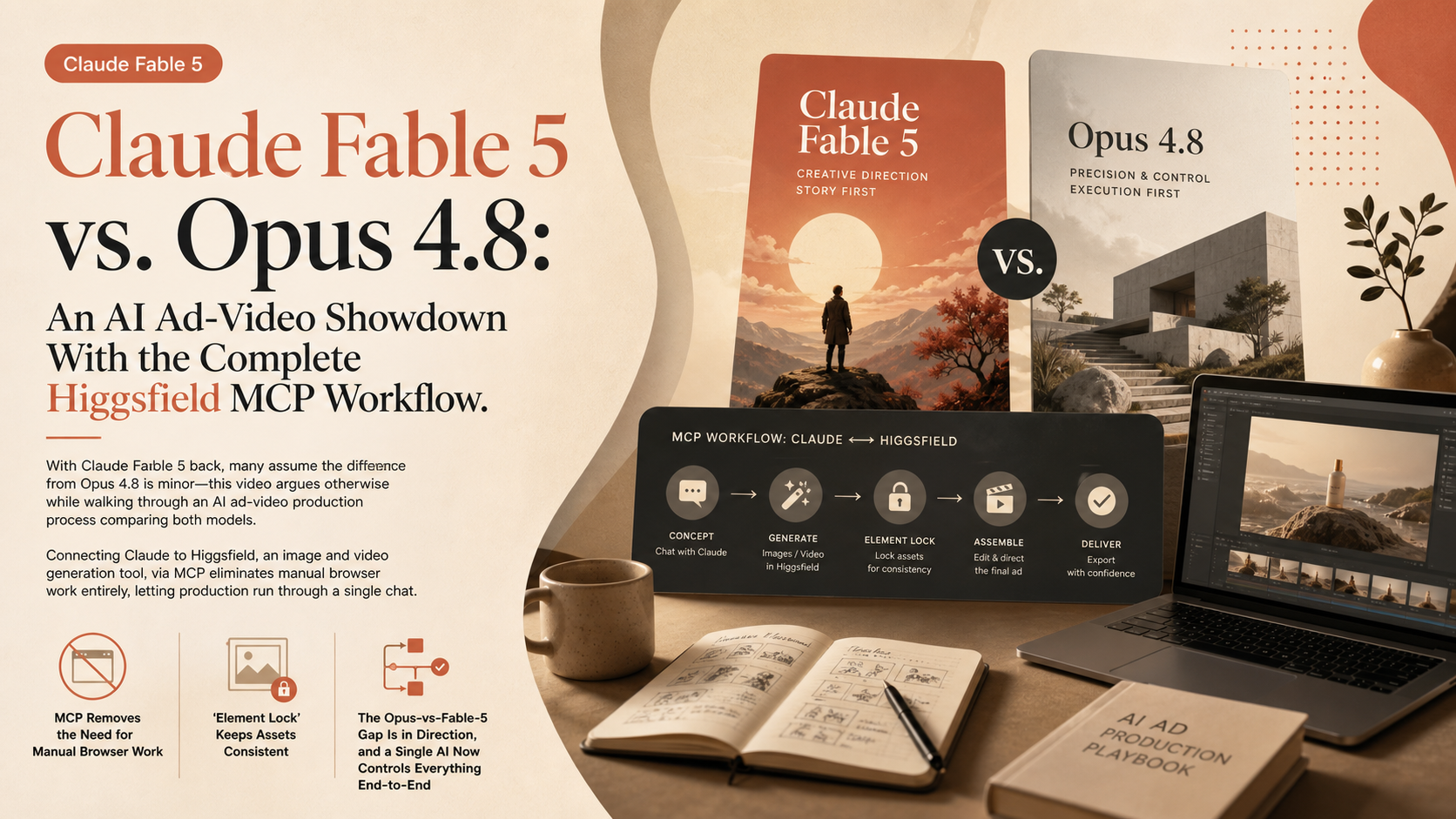
- 1 With Claude Fable 5 back, many assume the difference from Opus 4.8 is minor -- this video argues otherwise while walking through an AI ad-video production process comparing both models.
- 2 Connecting Claude to Higgsfield, an image and video generation tool, via MCP eliminates manual browser work entirely, letting production run through a single chat.
- 3 Simply saying 'make me a storyboard' or 'turn all the sheets into a 15-second sequence video' takes the project from concept to finished images and video within one chat.
- 4 The 'element lock' feature fixes a generated character or background across every subsequent generation, eliminating the need to re-paste reference material each time.
- 5 The gap between Opus 4.8 and Fable 5 shows up clearly in direction and staging -- Fable 5 excels specifically at pre-planning and giving instructions for video generation.
- 6 Where a planning AI and a video-generation tool used to be separate, losing context between them, MCP lets a single AI control planning through generation in one continuous chat.
- 7 Connecting Higgsfield MCP takes about 30 seconds: click the connector button in Claude's settings and paste in Higgsfield's MCP address.
Read as slides
3 slides total
MCP Removes the Need for Manual Browser Work
The workflow pairs Claude with Higgsfield, an image and video generation tool, connected via MCP. Normally, a tool like Higgsfield requires opening a browser and clicking through character setup and various parameters one at a time.
Once connected to Claude through MCP, all of that can be handled with a single chat instruction. Saying 'make me a storyboard' or 'turn all the sheets into a 15-second sequence video' is enough -- Claude operates Higgsfield behind the scenes, taking the project from concept through image and video production entirely within chat. A desktop isn't even required.
'Element Lock' Keeps Assets Consistent
Normally, generating a video sequence means re-inserting reference material for characters, backgrounds, and the storyboard every single time -- especially cumbersome on mobile. The 'element lock' feature solves this.
Saying 'lock these elements' after generating an asset fixes that character or background across every subsequent image or video generated in the same chat. Once four locks are set -- one product, two people, one background -- all that's left is preparing the storyline before shooting can begin.
The Opus-vs-Fable-5 Gap Is in Direction, and a Single AI Now Controls Everything End-to-End
Previously, the AI doing the planning and the tool doing the video generation were separate, so no single AI could hold the full context from start to finish. MCP changes that: one AI now controls planning through generation entirely within a single chat, and because context never breaks, the output gains a stronger sense of cohesion and planning quality.
The gap between Opus 4.8 and Fable 5 is most visible right here -- in direction and instruction-giving during video generation. Fable 5 stands out for its pre-planning and directive ability, which naturally lifts quality. And connecting it all takes just 30 seconds: add a connector in Claude's settings and paste in Higgsfield's MCP address.
Editor's Take
The key insight here is that the gap between models shows up not in raw output quality but in a more abstract capability -- how well a model understands and executes direction. Storyboards look similar because a skill enforces a fixed template, but Fable 5's edge becomes clear the moment actual video direction is required, underscoring that model evaluation needs real production-workflow testing, not just benchmarks. The shift from separately operating a planning AI and a generation tool to a single MCP-connected AI controlling the whole pipeline is a structural change to creative workflows that will likely extend well beyond video production.
Source
AI 아스트라 AI Astra
클로드 페이블5 완전분석⚡AI 영상제작, 페이블5 vs 오퍼스 4.8 끝장비교 | 힉스필드 MCP
This article auto-summarizes the YouTube video's transcript with Claude. Please refer to the original video for nuance and exact wording.
Watch on YouTube →Related
3 articles
Higgsfield AI
Recreating a 'Faceless' YouTube Pipeline With Claude Fable 5: One Prompt, From a 10-Minute Video to Multilingual Dubs
The video asks whether a multi-million-view 'faceless' 10-minute explainer production pipeline can be recreated with a single prompt.
Anthropic
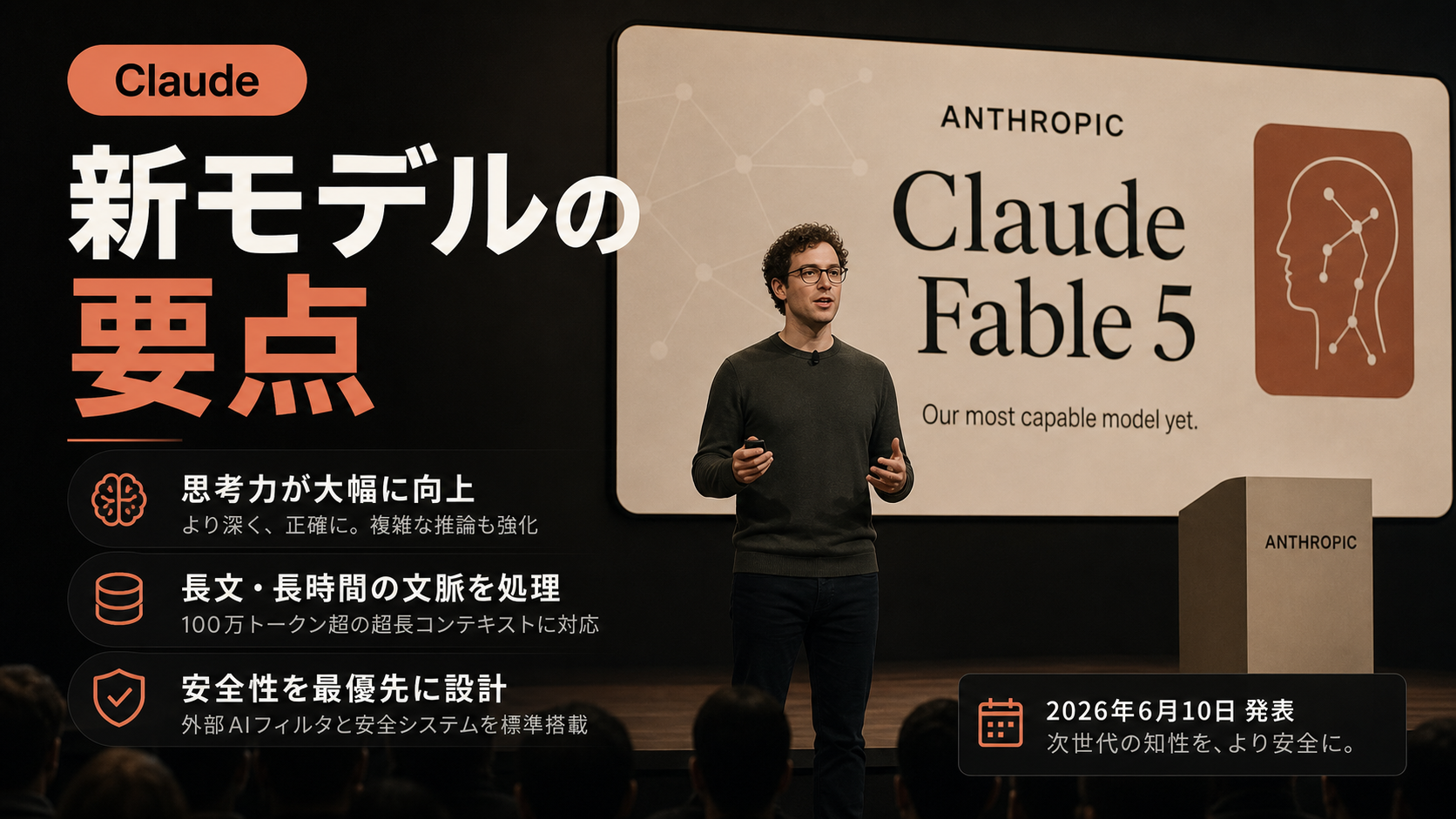
Introducing Claude Fable 5
Anthropic announced Claude Fable 5, released to the public as its most capable model yet. It is the first model to combine Mythos-class capabilities with safety measures.
Nate Herk | AI Automation
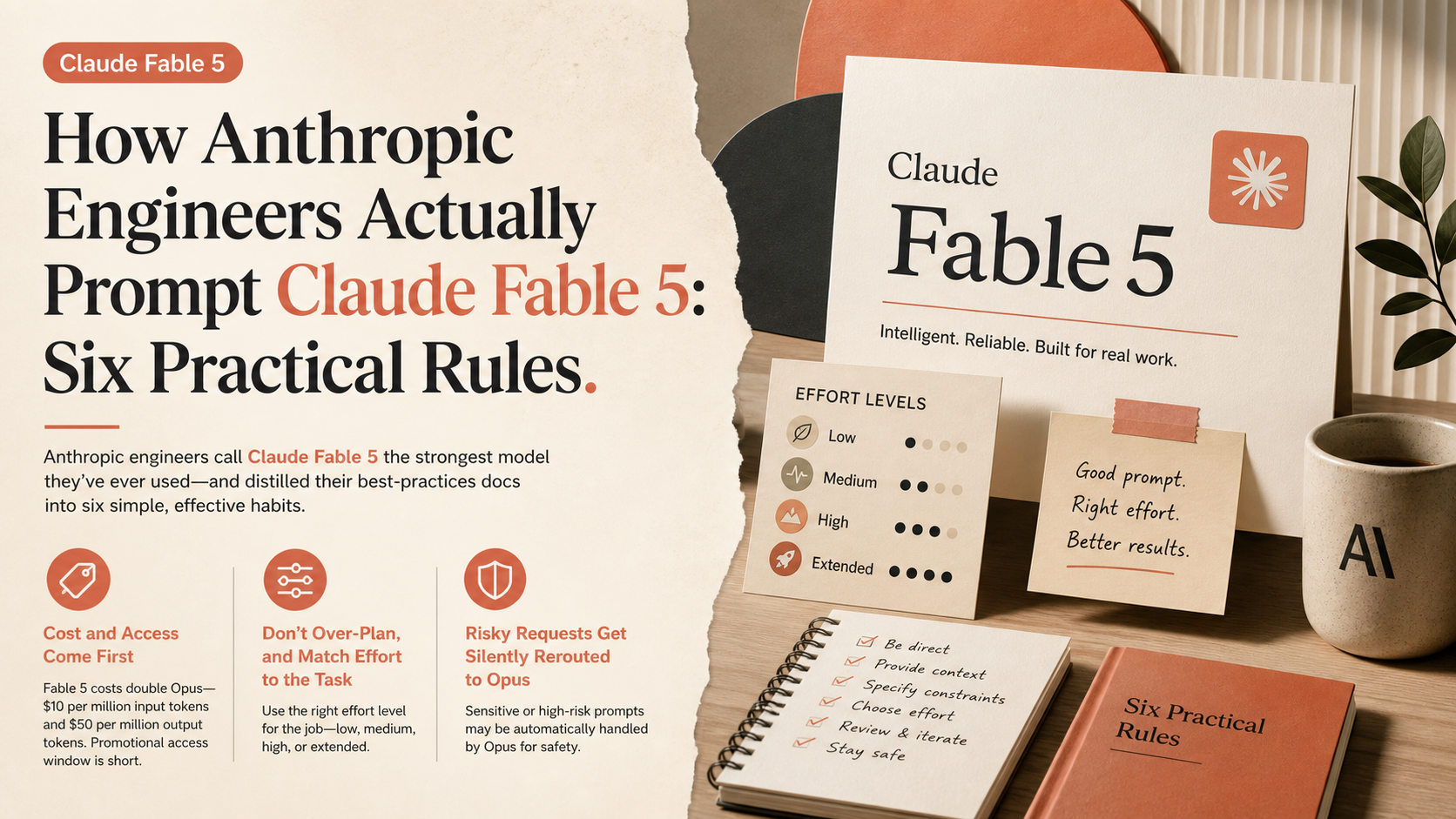
How Anthropic Engineers Actually Prompt Claude Fable 5: Six Practical Rules
The creator calls Claude Fable 5 the strongest model he's ever used, and distilled Anthropic's best-practices docs into six simple, effective habits.