Claude Cowork × Higgsfield MCP — Image and Video Generation Land Inside the Chat
TL;DR · What you'll learn
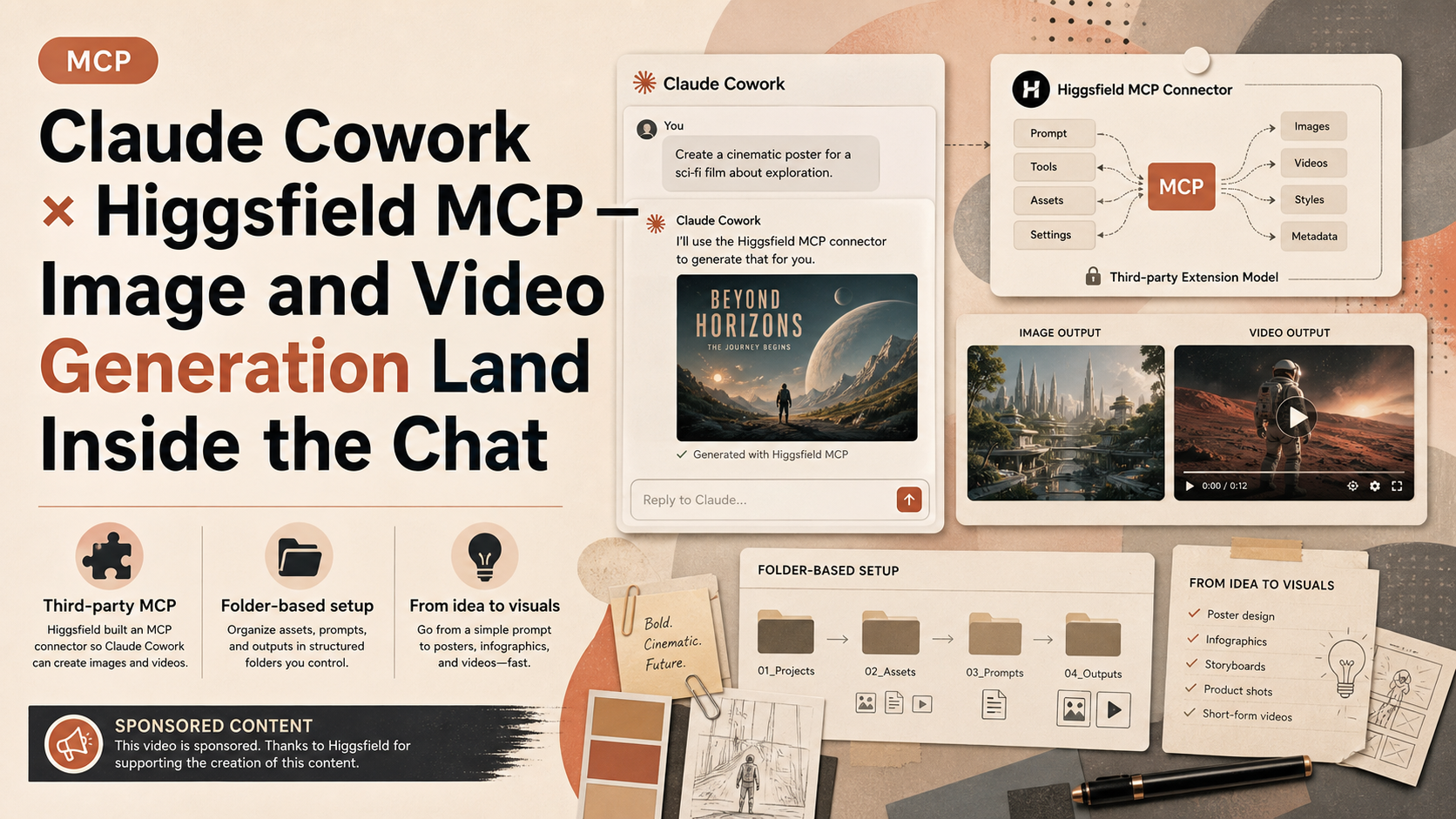
- 1 Claude Cowork couldn't generate images or videos until now. With the new Higgsfield MCP, you can build posters, infographics, and videos without leaving the Claude app.
- 2 Not a new Anthropic feature — Higgsfield, a third party, built an MCP connector for Cowork. The video is sponsored, called out up front.
- 3 Setup: sign up at Higgsfield, copy the MCP connection URL from the docs, head to Claude settings → customize → connectors, and add it as a custom connector.
- 4 Use case 1: a teacher with a folder of lesson plans on their machine. Point Cowork at the folder and ask 'using Higgsfield, create one infographic for each lesson plan in this folder.'
- 5 The unlock: no need to upload files anywhere. The files already exist on disk. Cowork reads the folder, sends content to Higgsfield, and the generated images appear in the chat — without ever leaving Cowork.
- 6 Use case 2: an açaí-bowl restaurant business plan. With business plan, financial projections, menu, and marketing plan already built in Cowork, the Higgsfield MCP can be called for visual assets.
- 7 Generated images and videos can be iterated on while Claude keeps full context. Business plan, finances, images, and videos coexist in a single chat.
- 8 Before: open a separate app, re-upload the business plan as reference, retype the prompt. After: Claude already knows what restaurant, what menu, what to put in the script. The handoff to Higgsfield is invisible.
Read as slides
3 slides total
The gap Cowork had — closed by a third-party MCP
Claude Cowork is Anthropic's everyday-business spin-off of Claude Code, but until now it couldn't generate images or videos. The new Higgsfield MCP fills that gap. Inside a Cowork chat, you can now create posters, infographics, and videos without leaving the app.
The important framing: this isn't an Anthropic-built feature. Higgsfield, a third party, built an MCP connector targeting Cowork. The video is sponsored by Higgsfield, which the creator says up front. He then uses the example to show a more interesting general pattern — MCP as the practical mechanism for extending agents.
Setup and the folder-pointing workflow
Setup takes minutes. Sign up at Higgsfield, copy the MCP connection URL from the docs, head to Claude settings → customize → connectors, and add a custom connector. The reason this is short is that MCP has standardised the connection layer in Claude — the friction is gone.
Use case 1 is the simplest illustration. A teacher with a folder of lesson plans on their machine. Point Cowork at the folder, say 'using Higgsfield, create one infographic for each lesson plan in this folder.' The unlock is the absence of upload steps. The files stay on the local disk; Cowork reads them, forwards content to Higgsfield, and the generated images land back in the chat. The workflow never leaves Cowork.
Açaí bowls — business plan to visuals in one thread
Use case 2 is more integrated. The creator is planning an açaí-bowl restaurant. Business plan, financial projections, menu, and marketing plan are already built in Cowork. From there, the Higgsfield MCP gets called to produce three menu images and a promotional video.
The killer detail is shared context. Claude already understands the entire business. 'Make images for the menu' doesn't need to specify what menu. 'I need a video to promote my business' doesn't need to specify which business or what should be in the script. Both calls forward to Higgsfield, and the assets come back. The old workflow — open a separate app, re-upload the business plan as reference, retype the goal — disappears. Generated assets can be iterated on while Claude keeps the full thread context. Business plan, financials, images, and videos coexist in a single chat.
Editor's Take
The real significance here isn't a feature add — it's evidence that MCP's economic model is already in motion. Anthropic doesn't need to ship image and video generation in Claude Cowork itself; a third party like Higgsfield can bring the capability in over MCP, and the user gets it inside the Cowork flow. The shape rhymes with the Apple App Store's platform extension, but with an important difference — MCP's connection layer is fully open and the monetisation lives on the provider side. Two takeaways for readers. From a product-selection standpoint, 'which AI client has the broadest MCP connector coverage' is becoming more important than the client's own feature roadmap. From a provider standpoint, publishing your SaaS or AI capability as an MCP server is now a real channel for customer acquisition. The fact that this article exists as a third-party sponsorship is itself an example of MCP-based reach expansion.
Source
Paul J Lipsky
Claude Cowork Can Now Generate Images and Videos with Higgsfield MCP!
This article auto-summarizes the YouTube video's transcript with Claude. Please refer to the original video for nuance and exact wording.
Watch on YouTube →Related
3 articles
Eric Tech
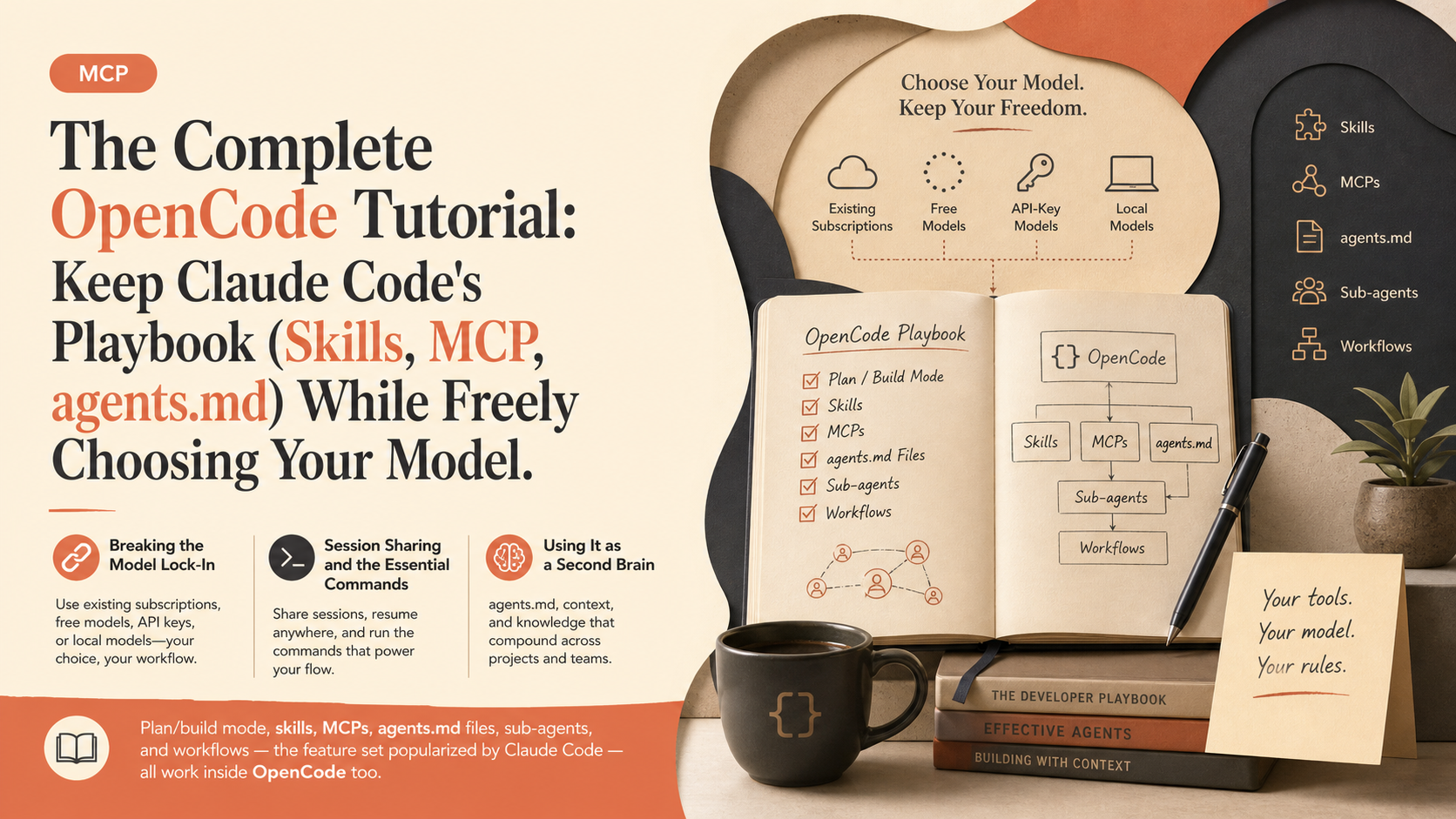
The Complete OpenCode Tutorial: Keep Claude Code's Playbook (Skills, MCP, agents.md) While Freely Choosing Your Model
Coding agents tend to lock you into one provider and model, but OpenCode lets you freely choose between existing subscriptions, free models, API-key models, or local models -- while keeping the features popularized by Claude Code and Codex.
IBM Technology
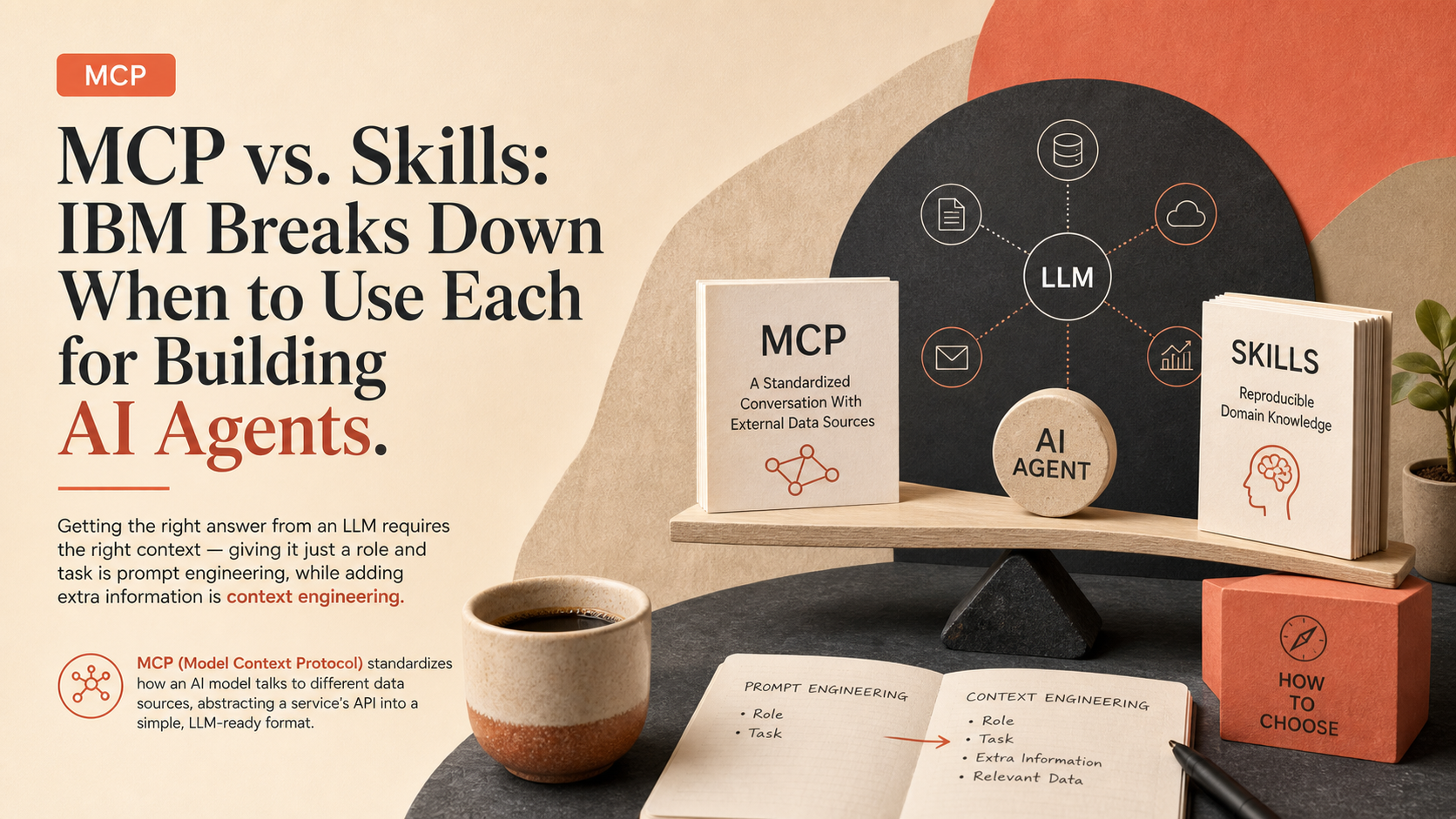
MCP vs. Skills: IBM Breaks Down When to Use Each for Building AI Agents
Getting the right answer from an LLM requires the right context -- giving it just a role and task is prompt engineering, while adding extra information is context engineering.
Griffin Wooldridge
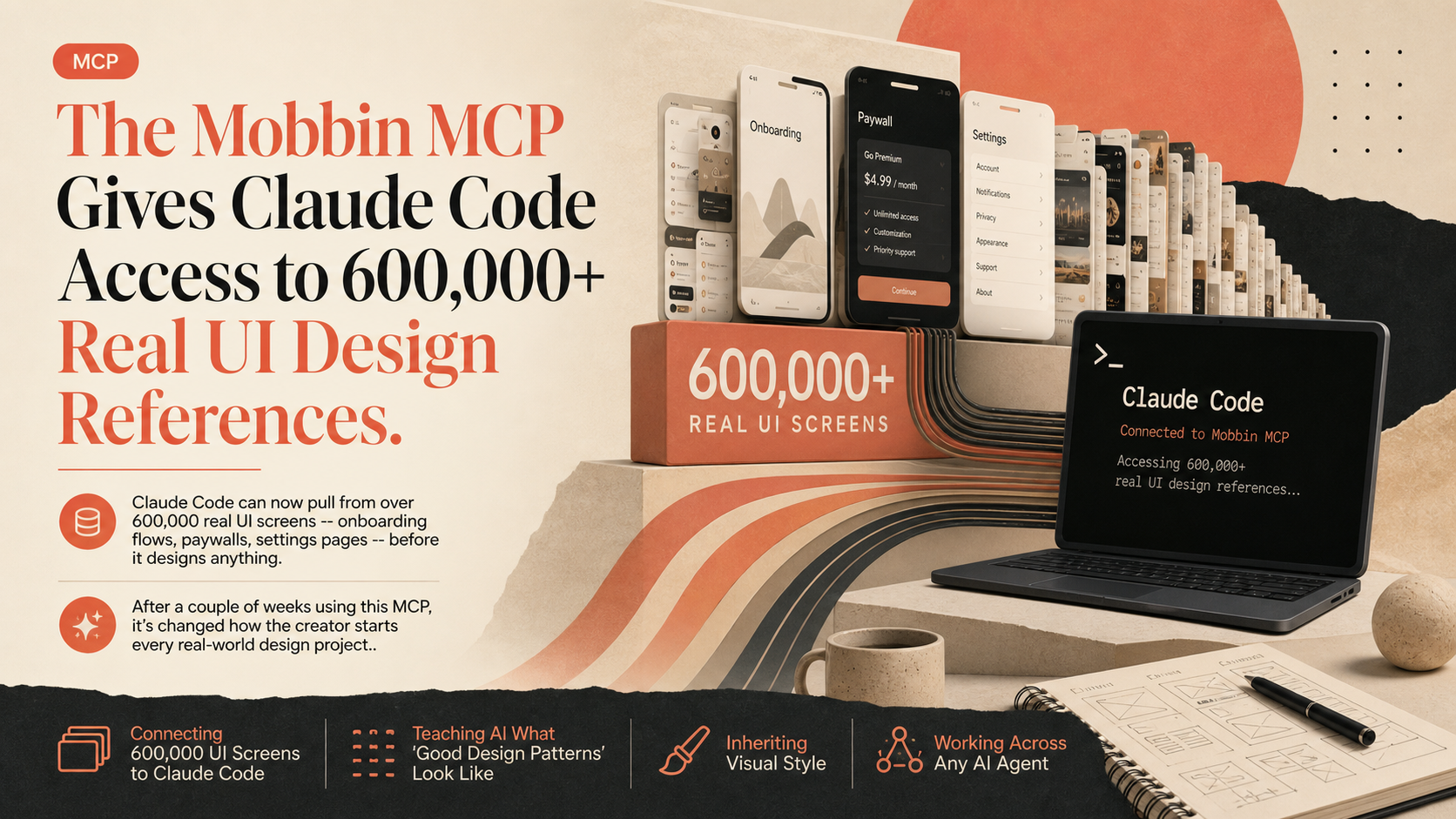
The Mobbin MCP Gives Claude Code Access to 600,000+ Real UI Design References
Claude Code can now pull from over 600,000 real UI screens -- onboarding flows, paywalls, settings pages -- before it designs anything.