Claude Daily Claude Daily
RSS
simon42 36 min video 3 slides

Home Assistant MCP — How Claude Builds Your Whole Smart Home With Zero YAML
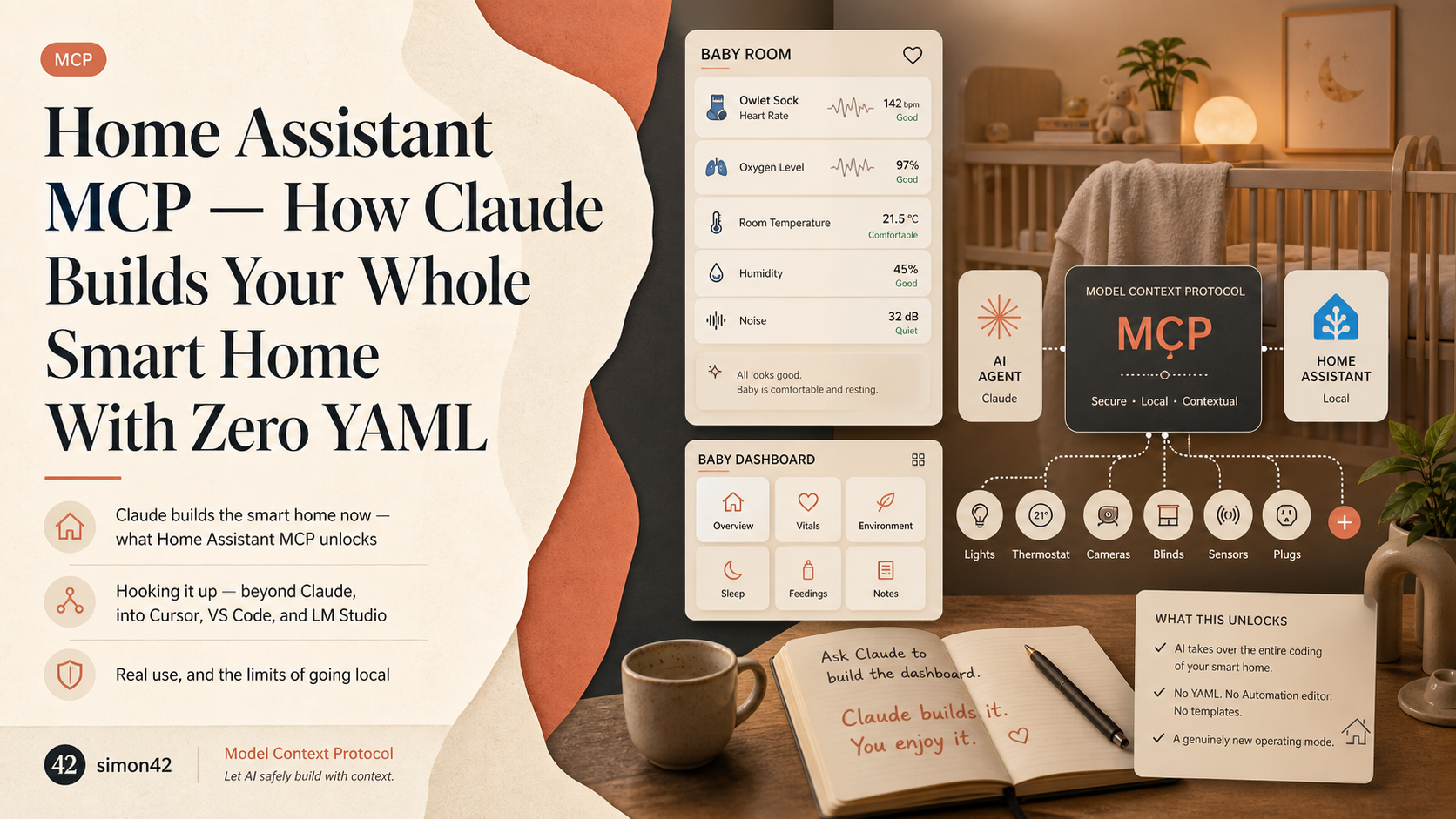
Du MUSST Home Assistant MCP JETZT nutzen!! (Claude baut dein Smart Home)
40,418 views 8 highlights

TL;DR · What you'll learn

  • 1 An MCP server for Home Assistant lets an AI take over the entire coding of your smart home. No YAML, no Automation editor, no templates — a genuinely new operating mode.
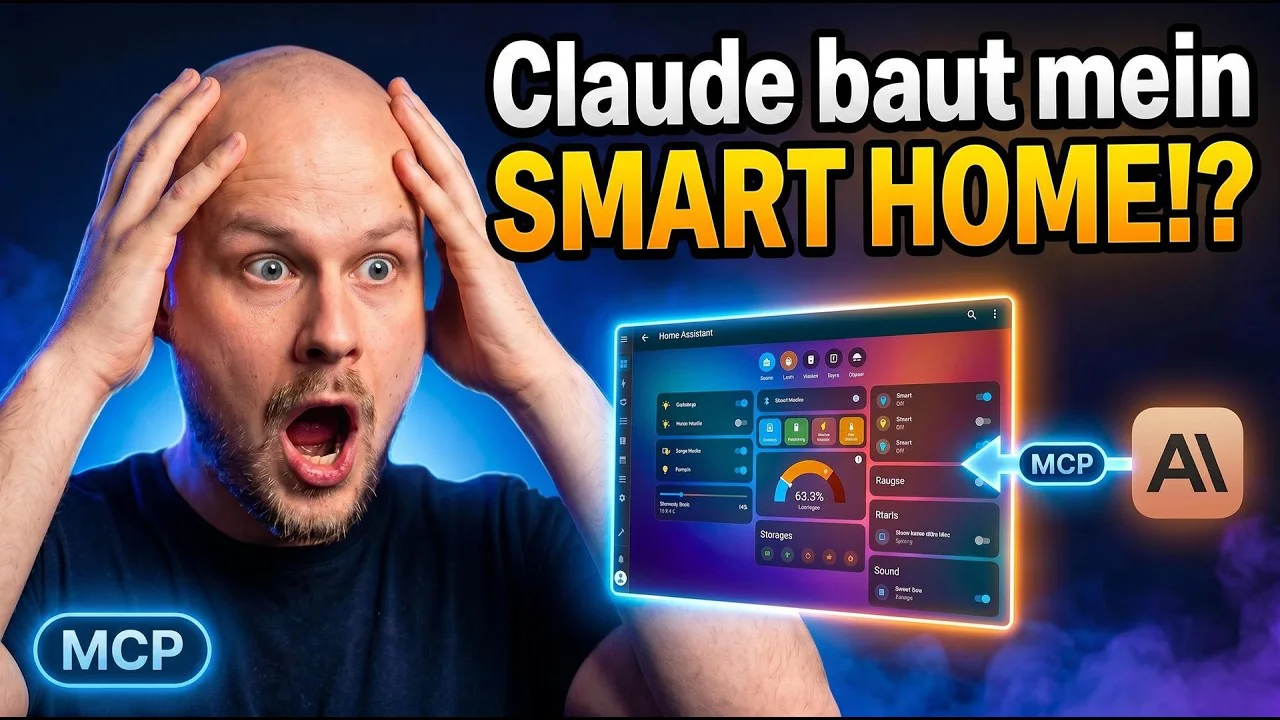
  • 2 The host asked Claude to 'build a dashboard for my baby with sensors like the Owlet sock, in meaningful sections.' Claude built the entire dashboard — he didn't write a single line.
  • 3 His wife now uses the same setup to have Claude build Home Assistant automations for her. The friction barrier has dropped that far.
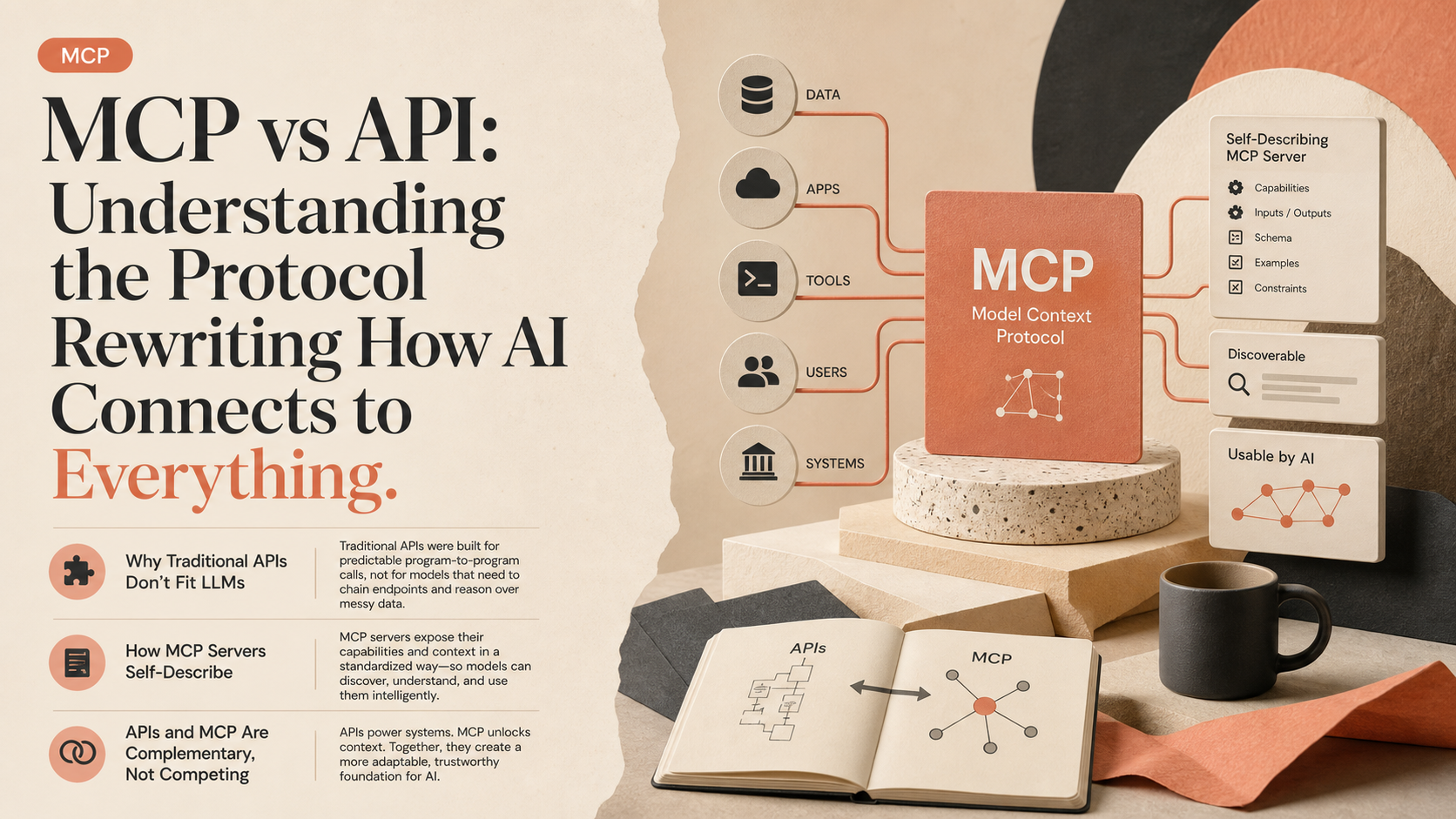
  • 4 MCP (Model Context Protocol) is the interface that lets AIs not just talk to Home Assistant but understand it. That comprehension is the unlock.
  • 5 The video covers the difference between the official MCP server and the add-on, plus how to run everything locally. Both have nuances worth knowing before you commit.
  • 6 Security is sound by default — the AI asks for permission the first time it touches a new tool. A test query ('how many entities does my system have?') triggered a system-overview tool call and returned a detailed answer.
  • 7 Throw a real requirement at it and the thing builds a real dashboard — a good one. One or two follow-up prompts and it's running. The AI fills in the implementation details you don't know.
  • 8 Ollama and LM Studio are valid local-only paths for users worried about data privacy. The trade-off is that local models usually don't reach the quality of the big US cloud models.

Read as slides

3 slides total

01 Slide 1 / 3
Watch at 00:00

Claude builds the smart home now — what Home Assistant MCP unlocks

Home Assistant is famously powerful, but its Automations, templates, and YAML pile up into a wall that scares off beginners. An MCP (Model Context Protocol) server makes the AI scale that wall. It's an interface that lets the AI see and *understand* your Home Assistant entities and services, not just send messages at them.

The creator's example lands hard. He asked Claude (in German) to build a baby dashboard with the Owlet sock and related sensors, organised into meaningful sections — and Claude built it. Not one line of YAML, no Automation editor, no template tinkering. His wife now uses the same setup herself to have Claude build Home Assistant automations. A household-level paradigm shift, condensed into one demo.

Claude Daily 01 / 03
02 Slide 2 / 3
Watch at 17:32

Hooking it up — beyond Claude, into Cursor, VS Code, and LM Studio

Security is sane by default. The first time the AI tries to call a new MCP tool, it asks for permission, so nothing runs silently behind your back. A quick test — 'how many entities does my system have?' — pulled a system-overview call from the Home Assistant Test MCP server and returned a detailed answer. The creator suggests naming MCP servers by environment (test vs prod) so the AI can keep them straight.

Claude Desktop users are basically done after the install. The video also covers Cursor, Antigravity, VS Code, WezTerm, and LM Studio. Most of these clients have an mcp.json somewhere in settings where you paste the Home Assistant MCP server URL block. LM Studio is the odd one out — its mcp.json lives under Developer → Server.

Claude Daily 02 / 03
03 Slide 3 / 3
Watch at 34:09

Real use, and the limits of going local

The recommended path is to start with one or two simple examples. Get a feel for how the AI interacts, what kind of code or automations it proposes, whether the quality holds up. Then escalate to real requirements — 'here's the requirement, I don't know how to implement it, build me a dashboard' — and watch it produce something workable. One or two follow-up prompts and it runs. The creator calls this a paradigm shift, not a toy.

For privacy-minded users, Ollama and LM Studio let you run everything locally. For a system that controls your home, the local-first stance makes obvious sense. The honest trade-off: local models usually don't match the quality of the big US cloud models. Whether to lean cloud or local is a values call, and the creator names that trade-off without flinching.

Claude Daily 03 / 03

Editor's Take

Wiring an entire smart home without writing YAML or automations is a clean illustration of MCP's shift from 'talking to' an AI to 'making it understand.' The anecdote of a spouse adopting it shows how far the barrier has dropped, while the per-action permission prompt and the performance ceiling of local LLMs are named as honest constraints. Where you set the trade-off between convenience and control becomes the core design decision for home automation.

Source

Du MUSST Home Assistant MCP JETZT nutzen!! (Claude baut dein Smart Home)

simon42

Du MUSST Home Assistant MCP JETZT nutzen!! (Claude baut dein Smart Home)

Published 6/21/2026 36 min 40,418 views

This article auto-summarizes the YouTube video's transcript with Claude. Please refer to the original video for nuance and exact wording.

Watch on YouTube

Related

3 articles