
Hindi Claude Full Course — Skills, Cowork, and Claude Code Explained to Beginners in 53 Minutes
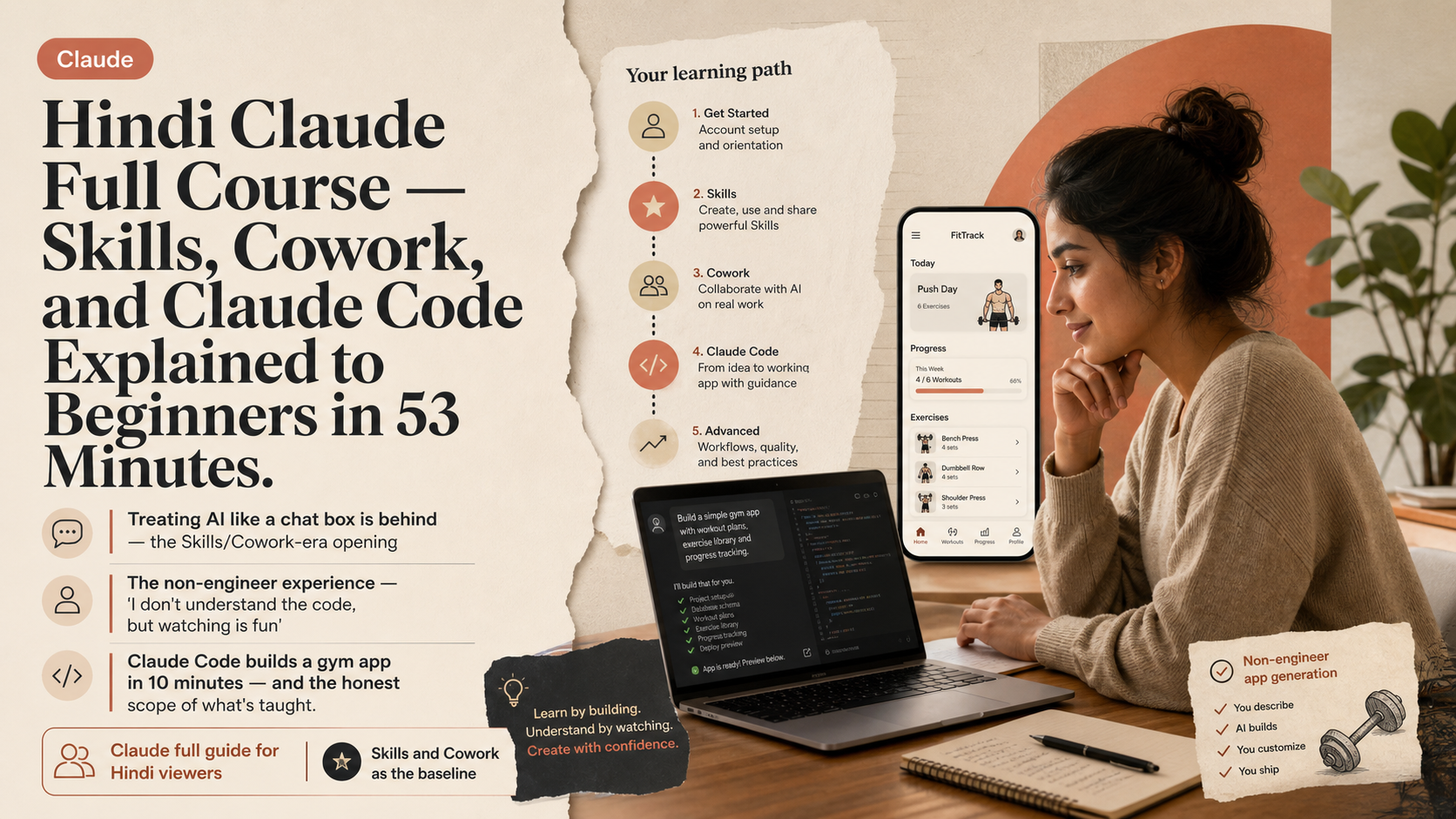
TL;DR · What you'll learn
- 1 A full Claude AI tutorial for the Hindi-speaking world. From signing up to complex topics like Claude Code, all delivered in the gentlest possible way — a 53-minute compact masterclass.
- 2 Opening line: 'If you're still using AI like a normal chat box in 2026, writing prompts for every small task and re-explaining context every single time, you're literally behind.'
- 3 Claude power users have already built workflows with Skills and Cowork where they themselves do almost nothing — Claude handles tasks big and small, without regular commands or instructions.
- 4 Tell Claude your app idea, answer a few questions, and it produces a final concept. Say 'Build it' and Claude's canvas splits — conversation on the left, Claude writing real code on the right.
- 5 The non-engineer's lived reality, captured in one quote: 'I'm not a software engineer, but I can build my own app. I can watch the code being written in front of me. I don't understand it, but watching is genuinely fun.'
- 6 The generated app: nine main life-optimisation features, each with sub-features. Toggle Preview to see the live app or Code to inspect the implementation.
- 7 Claude Code builds a full gym app in 10 minutes. A normal developer would need a month of work for the same scope. The author is up-front: 'I'm not a programmer — I can show you how to use Claude Code, but I can't teach you deployment.'
- 8 By video's end you have: how to optimise Claude settings, Claude vs GPT differences, how Claude's different models behave, how to save tokens, how to use Claude chat, what Cowork is, what Dispatch enables, how to make Artifacts live, and how to run Claude Code.
Read as slides
3 slides total
'Treating AI like a chat box is behind' — the Skills/Cowork-era opening
This video is a full Claude AI guide aimed at the Hindi-speaking world. It walks from signup to advanced topics like Claude Code in the gentlest possible way over 53 minutes, promising that a non-technical viewer will come out a Claude master.
The opening reframes the whole point. 'If, in 2026, you're still using AI like a normal chat box — writing prompts for every small task, re-explaining context every time, then going off and doing the work yourself — you're literally behind.' Power users have already built workflows with Skills and Cowork where they do almost nothing themselves. Claude handles tasks large and small autonomously, without per-task commands. This video is the path to catching up to that pattern.
The non-engineer experience — 'I don't understand the code, but watching is fun'
The hands-on demo is striking. Describe your app idea, answer a few clarifying questions, confirm the concept Claude proposes, type 'Build it' — and Claude's canvas splits: chat on the left, Claude writing real code on the right.
The creator's reaction lands the truth of the moment for non-engineers. 'I'm not a software engineer, but I can build my own app. I can watch the code being written in front of me. I don't understand it, but watching is genuinely fun.' When errors show up, asking Claude to fix them is enough — Claude handles the fix itself. A small icon top-left toggles between Preview (running app) and Code (implementation). The finished demo app had nine major life-optimisation features with sub-features under each, navigable by tap — a real, substantial app.
Claude Code builds a gym app in 10 minutes — and the honest scope of what's taught
The Claude Code section is the showstopper. A full gym app is built in 10 minutes. The same scope, the creator notes, would take a typical developer at least a month. The files land neatly in the Claude Code experiment folder, organised and ready.
The creator draws an honest line. 'I'm not a programmer, so I can't teach you how to deploy this so it can be downloaded onto everyone's phones. My job here is to make you understand Claude Code's features.' Claude Code can do much more complex work, but pulling that out requires developer-level knowledge. By the end of the video, viewers walk away with concrete fluency in: Claude settings optimisation, Claude vs GPT differences, how the different models behave, token saving, Claude chat usage, what Cowork is for, what Dispatch enables, making Artifacts live, and running Claude Code — a genuinely full lineup.
Editor's Take
The claim that 'using AI as a chat box is behind the times' sounds like hype, but the Skills/Cowork workflow and a non-engineer generating a gym app in ten minutes are part of the same continuum. The telling detail is the honest reaction — 'I don't understand it, but it's fun to watch' — which marks a new relationship where delegation precedes understanding. Yet the creator's line, 'I can't teach you deployment,' reveals the practical boundary between what automation reaches and where humans remain.
Source
Tube Sensei
Claude AI Full Course | Basic To Advance
This article auto-summarizes the YouTube video's transcript with Claude. Please refer to the original video for nuance and exact wording.
Watch on YouTube →Related
3 articles
Nate Herk | AI Automation
GPT 5.6 Sol vs. Fable 5, Head to Head: Fable Edges Out a Bike Game Build at 3x the Cost
With GPT 5.6's Sol, Terra, and Luna released, benchmarks show Sol beating Opus and Fable while costing far less -- but the creator decided to run both models side by side on real work for a full day instead of just quoting numbers.

Trading with DaviddTech
Building a Free AI Trading Bot With Claude Code and TradingView: From Backtesting to Auto-Generated PineScript
A creator who says he's built trading bots on YouTube for five years walks through building a no-code trading bot through conversation with Claude alone.

The Calum Johnson Show
Building a Membership Site With Claude Code in a Weekend, $20K in the First Week: 'You Don't Need the Terminal'
The guest says he built a membership platform, digitalcreatorclub.com, that would have previously cost $50,000-$100,000, in a single weekend using Claude Code -- and made about $20,000 in its first week.