10 Hacks for Using Claude Like a Pro: From Custom Personas to Scheduled Tasks
TL;DR · What you'll learn
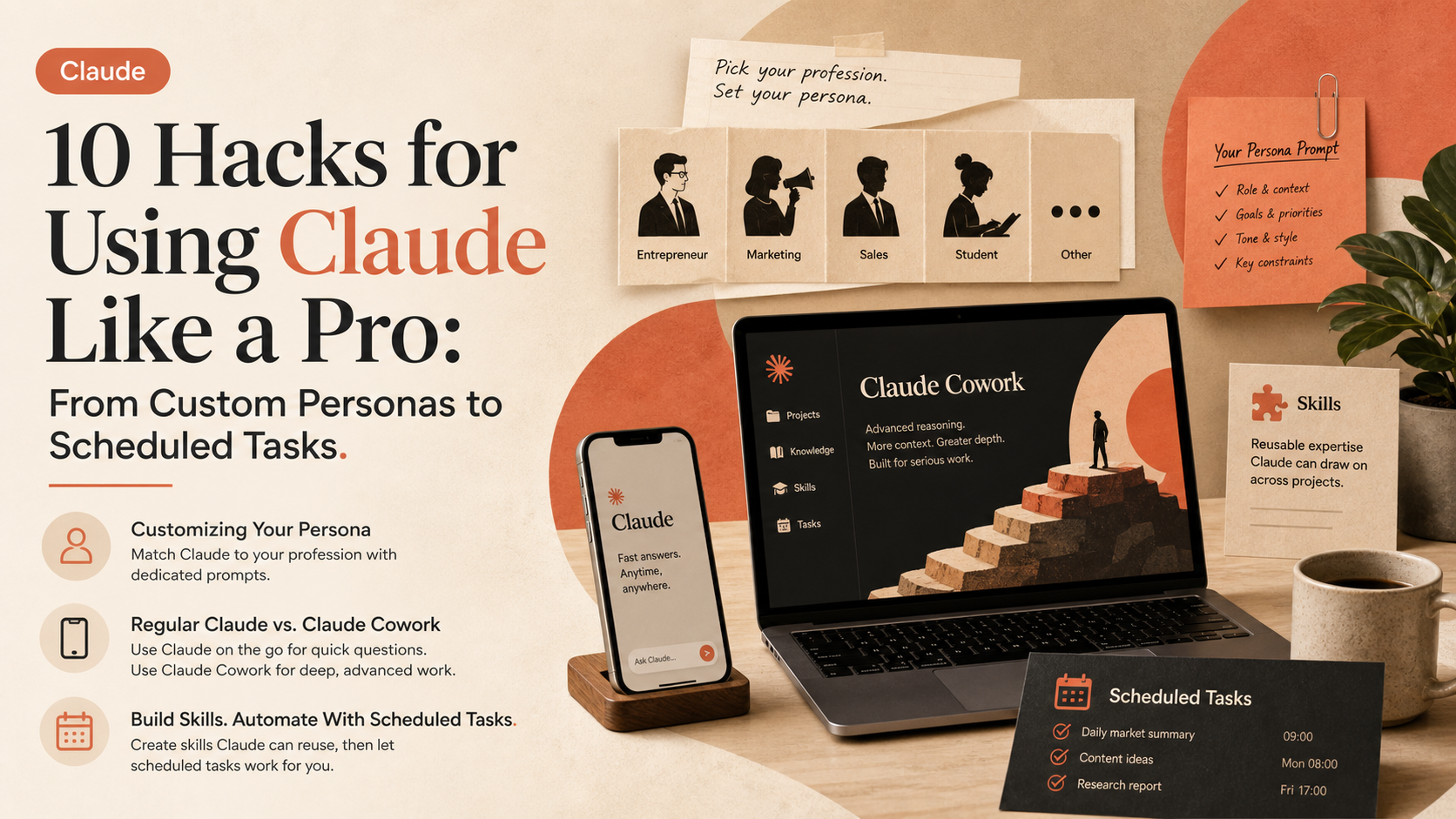
- 1 Hack one: set Claude's 'persona' to match your profession. Pick your line of work in settings (entrepreneur, marketing, sales, student, etc.) and paste in a dedicated prompt.
- 2 The creator uses regular Claude on their phone for quick questions and reserves actual work for Claude Cowork, which handles far more advanced processing.
- 3 Asking the same question -- an analysis to double a YouTube channel's views -- to regular Claude versus Claude Cowork reveals a key difference: Cowork asks clarifying questions before diving in.
- 4 You can grant Claude Cowork access to folders on your computer, letting it reference real data directly for analysis.
- 5 Beyond writing documents, presentations, and Excel sheets, Claude can reuse previously created materials to generate new ones.
- 6 For repeated tasks, you can have Claude build a reusable 'skill' -- created with Claude's help, by writing instructions yourself, or by uploading skills shared online.
- 7 Hack ten is scheduled tasks -- having Claude automatically read and summarize email, check the news, or handle other routine work at the same time every day.
Read as slides
3 slides total
Customizing Claude's Persona to Match Your Profession
Most people treat Claude as a simple Q&A machine, which is described as like having an all-powerful genie and only asking it to fetch a water bottle. The first essential hack: set Claude's 'persona' to match your profession. In settings, pick your type of work (marketing, sales, science, student, entrepreneur, etc.) and paste in the dedicated prompt shared in the description, pushing Claude to give 100% effort and reason as logically as possible on every question.
Regular Claude vs. Claude Cowork
For quick questions on the go, the creator uses regular Claude on their phone; for actual work, nearly all their time is spent in Claude Cowork, which requires a higher-tier subscription if not already available.
To demonstrate the difference, the same question -- an analysis to double a YouTube channel's views over the coming months -- is asked of both regular Claude and Claude Cowork. Cowork asks clarifying questions about what data it can access before diving in. Granting it access to a folder containing the creator's YouTube data lets it produce analysis grounded in real numbers.
Building Skills and Automating With Scheduled Tasks
Beyond generating documents, presentations, and Excel sheets, Claude can reuse previously created materials to build new ones -- saving significant time and improving quality. The same applies to writing YouTube scripts or maintaining a consistent coding style. For repeated tasks, Claude can build a reusable 'skill' via the custom settings, either with Claude's help, by writing instructions yourself, or by uploading a skill shared online.
Hack ten is scheduled tasks. Claude can now do things automatically at the same time every day -- reading and summarizing your email each morning, checking the news for what matters, or reviewing whether yesterday's emails left any tasks undone and handling them itself. Setting it up is as simple as asking Claude to program a scheduled task.
Editor's Take
What makes this video practically useful is that it goes beyond prompt tricks to lay out three clear tiers of adoption: choosing between regular Claude and Cowork, turning repeated tasks into skills, and fully automating routine work with scheduled tasks. The behavioral difference where Cowork asks clarifying questions before starting work is a concrete way to see the line between a simple chatbot and an autonomous work orchestrator, useful for tool-selection decisions. Coming from someone who's reportedly run multi-million-euro businesses through Claude, this reads as a concrete roadmap for solo operators and team leads looking to fold AI into daily operations.
Source
Yomi Denzel
Comment Utiliser Claude comme un Pro en 11 Minutes
This article auto-summarizes the YouTube video's transcript with Claude. Please refer to the original video for nuance and exact wording.
Watch on YouTube →Related
3 articles
Brock Mesarich | AI for Non Techies
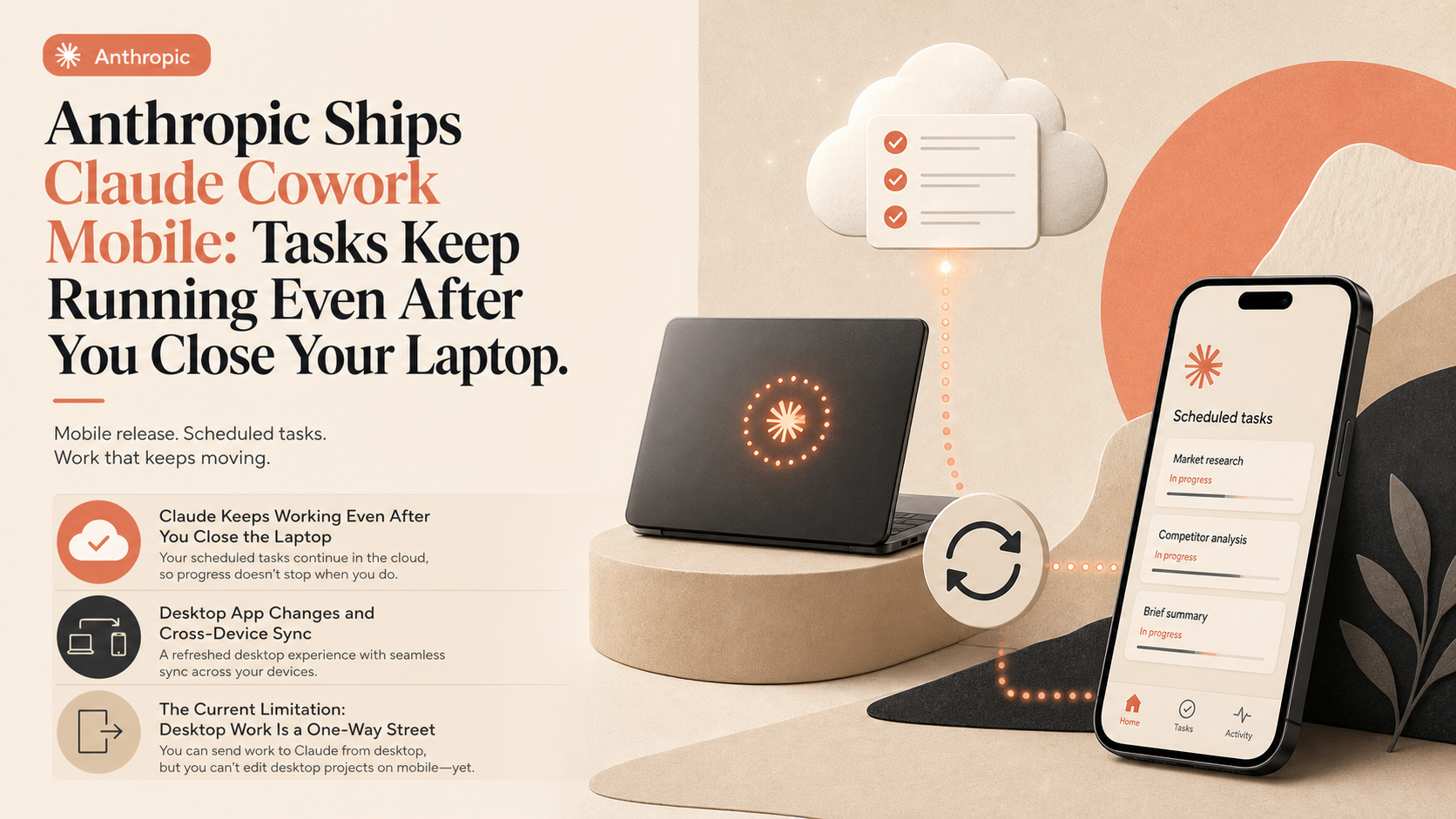
Anthropic Ships Claude Cowork Mobile: Tasks Keep Running Even After You Close Your Laptop
Anthropic released a mobile version of Claude Cowork, calling it one of the most requested features it has seen.
Fireship
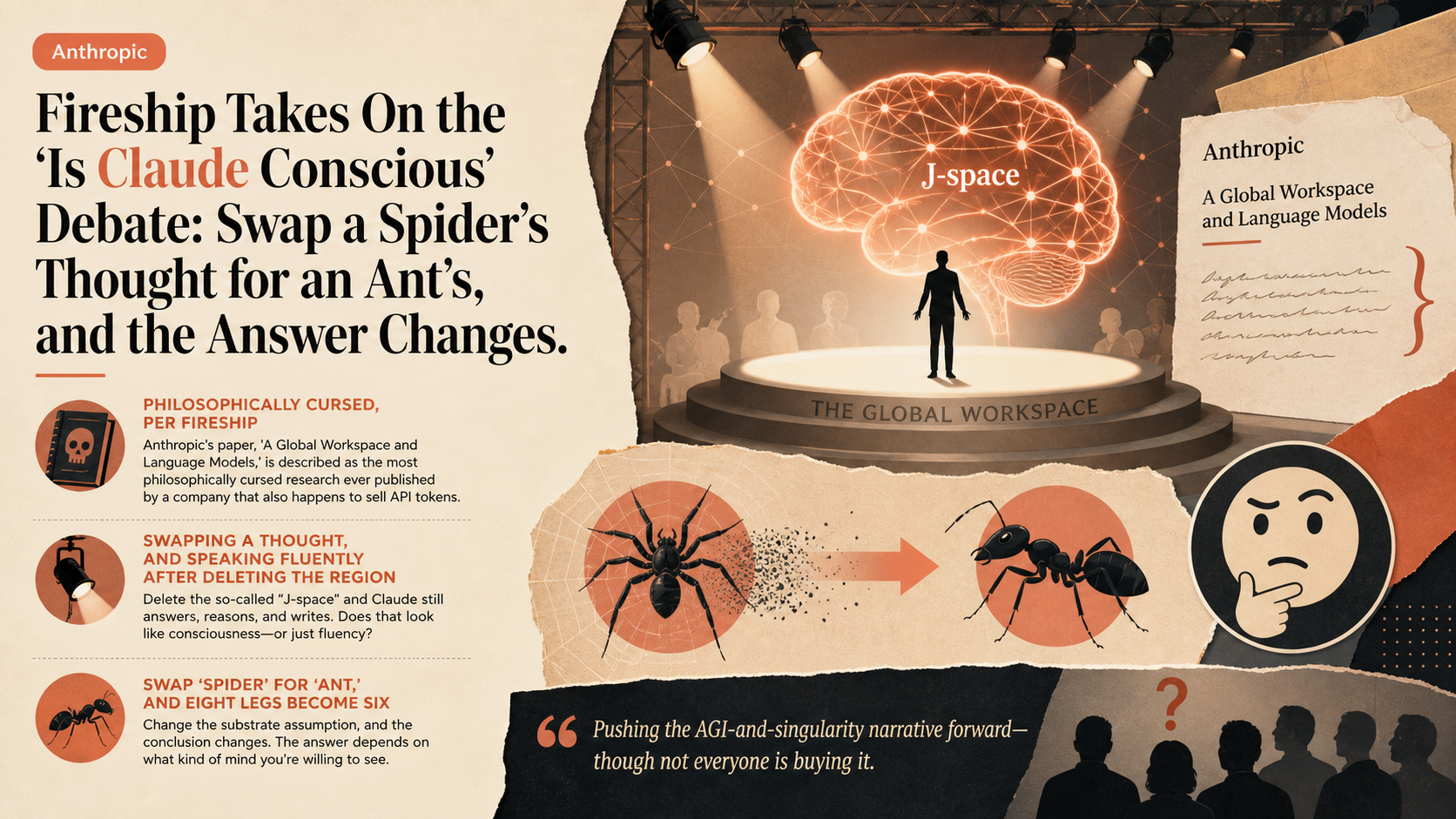
Fireship Takes On the 'Is Claude Conscious' Debate: Swap a Spider's Thought for an Ant's, and the Answer Changes
Anthropic's paper, 'A Global Workspace and Language Models,' is described as the most philosophically cursed research ever published by a company that also happens to sell API tokens.

Claude
DoorDash Rolled Out Claude Code to Every Employee: Small Teams and Architecture Principles Drove a Throughput Surge
DoorDash says its Claude Cowork rollout aimed to raise the floor of AI fluency across the entire company.