Claude Design 2.0 — Rebuilt Editor, MCP Connectors, and the Everything-App Trajectory
TL;DR · What you'll learn
- 1 Anthropic shipped a 2.0-scale upgrade to Claude Design. The early launch's instant-quota-burn problem is structurally relieved; Claude Design is finally usable for real work.
- 2 The editor was fully rebuilt — you can manually edit elements with the feel of a real design tool. Seamless Claude Code integration also landed.
- 3 New interface at claude.ai/design surfaces templates up front: app prototypes, slides / PowerPoint decks, documents, wireframes, and even video animations.
- 4 The markup tool is the standout. Select an element or draw directly on the canvas to leave feedback, and Claude applies it. Comments stack in a running list on the left.
- 5 MCP connectors land for external tools. From your profile → connectors you can pick up Claude Desktop or Claude.ai integrations. Higgsfield + GPT image 2 was wired in as a live demo.
- 6 Claude Code handoff: from Design, generate a prompt to hand the work to Claude Code, which then implements the front end and can wire it to your live database with refresh routines.
- 7 Web-only for now, but Claude Desktop integration is a matter of time. Every AI lab is racing toward a super-app; Claude Design's growth is one piece of that arc.
- 8 Verdict: the improvements meaningfully move Claude Design into the 'actually usable' camp. The direction Anthropic is heading is right.
Read as slides
3 slides total
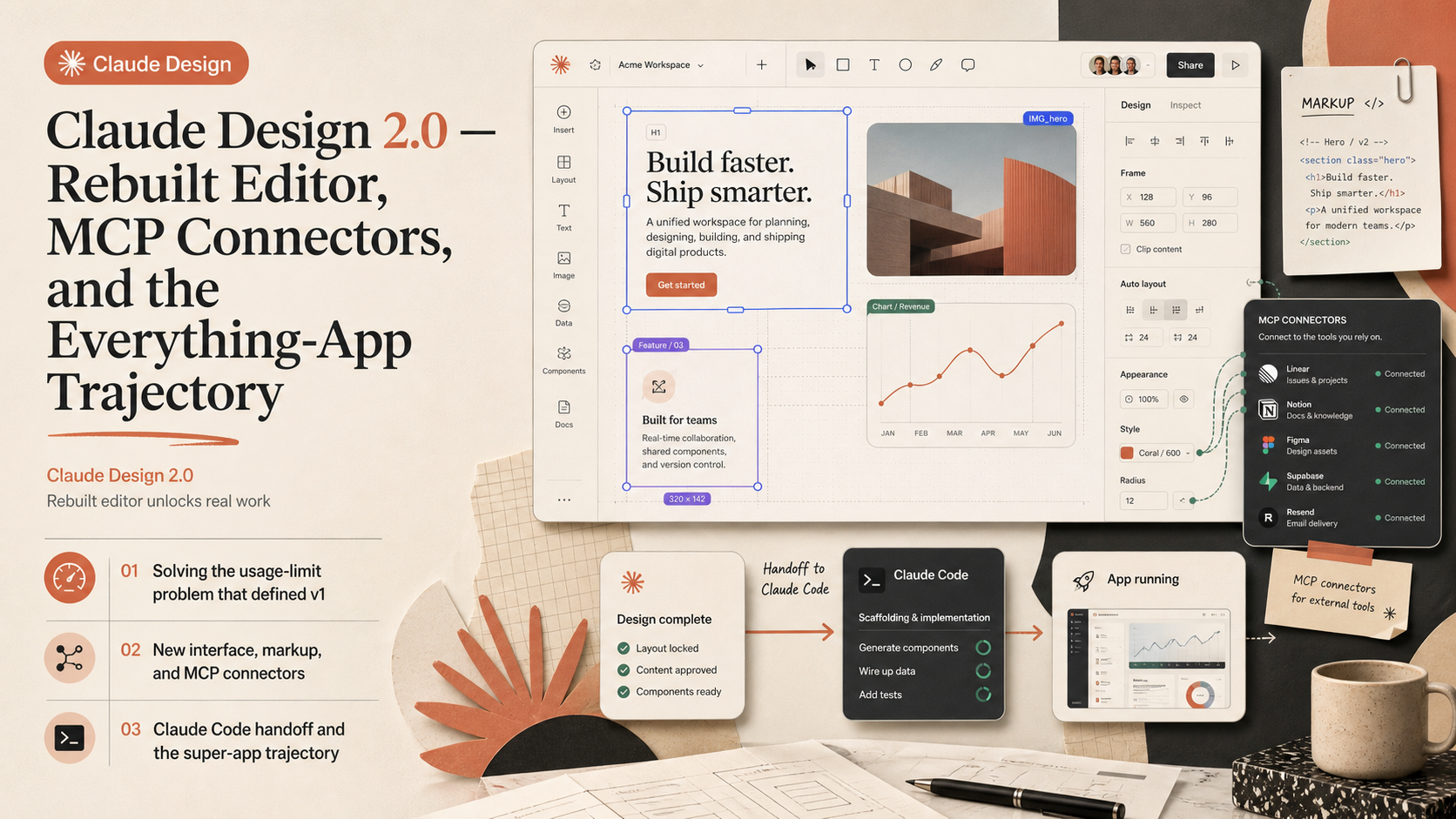
Solving the usage-limit problem that defined v1
Claude Design's first release shipped with a brutal commercial problem — a handful of prompts and you hit the usage ceiling. This week's update goes straight at that.
The editor was fully rebuilt. Before, every nudge was a prompt, burning tokens just to align an element. Now you get direct manipulation — drag, resize, align — like any proper design tool, and the LLM only fires when you actually need its judgement. Combined with seamless Claude Code integration and a slate of other improvements, Claude Design has crossed into 'real design software that can replace your other tools' territory, in the creator's assessment.
New interface, markup, and MCP connectors
Hitting claude.ai/design gets you a new interface that feels closer to the AI chat apps you already use, but with templates front and centre: app prototypes, slide decks, documents, wireframes, and video animations. Slide packs for client communication are now a first-class workflow.
The creator's favourite addition is the markup tool. Click any element to leave a comment, or draw directly on the canvas. Comments accumulate in a left-pane running list, and Claude applies them. MCP connectors are the second headline. From profile → connectors, you can pull in Claude Desktop or Claude.ai integrations you've already configured. In the live demo, Higgsfield is connected, and a prompt asking Claude Design to 'add a title slide using Higgsfield GPT image 2 to generate an appropriate image' was understood and routed correctly — the right tool chosen from within the Design canvas.
Claude Code handoff and the super-app trajectory
The Claude Code handoff closes the gap between design and implementation. From Claude Design you can generate a prompt to hand the work to Claude Code, which then takes it through to a working front end and can wire it to your live database with a refresh routine running at whatever cadence you want. Design → code → ops, all inside the same assistant stack.
Claude Design is web-only today, but the creator is confident Claude Desktop integration is just a matter of time. Every major AI lab is moving toward the same destination — a super-app where design, code, software, slides, and the rest happen in one place. Claude Design's upgrades are one piece of that arc. His closing read: the improvements move Claude Design into 'actually usable,' and Anthropic's direction is right.
Editor's Take
Claude Design 2.0 reads less like a single-product improvement and more like a visible step in Anthropic's super-app roadmap. Restoring direct manipulation in the editor is the right call against the token-economics problem — the prior version was effectively unusable for professional design work. The MCP connector opening is the more strategically interesting move. MCP had been a Claude Code concept; surfacing it inside a non-engineer product means business users can plug external tools into agent workflows by themselves. In a market with category leaders like Figma and Canva, Anthropic isn't trying to be best-in-category — it's trying to be the cross-category hub. Combined with Claude Code Artifacts, the through-line is design → implementation → team distribution, all within the same AI stack. For users, the trade-off worth thinking about is web-only availability versus the convenience of having everything in one place.
Source
Jay E | RoboNuggets
Claude Design just got MASSIVE Upgrades (2.0 Update)
This article auto-summarizes the YouTube video's transcript with Claude. Please refer to the original video for nuance and exact wording.
Watch on YouTube →Related
3 articles
Nate Herk | AI Automation
GPT 5.6 Sol vs. Fable 5, Head to Head: Fable Edges Out a Bike Game Build at 3x the Cost
With GPT 5.6's Sol, Terra, and Luna released, benchmarks show Sol beating Opus and Fable while costing far less -- but the creator decided to run both models side by side on real work for a full day instead of just quoting numbers.
Trading with DaviddTech
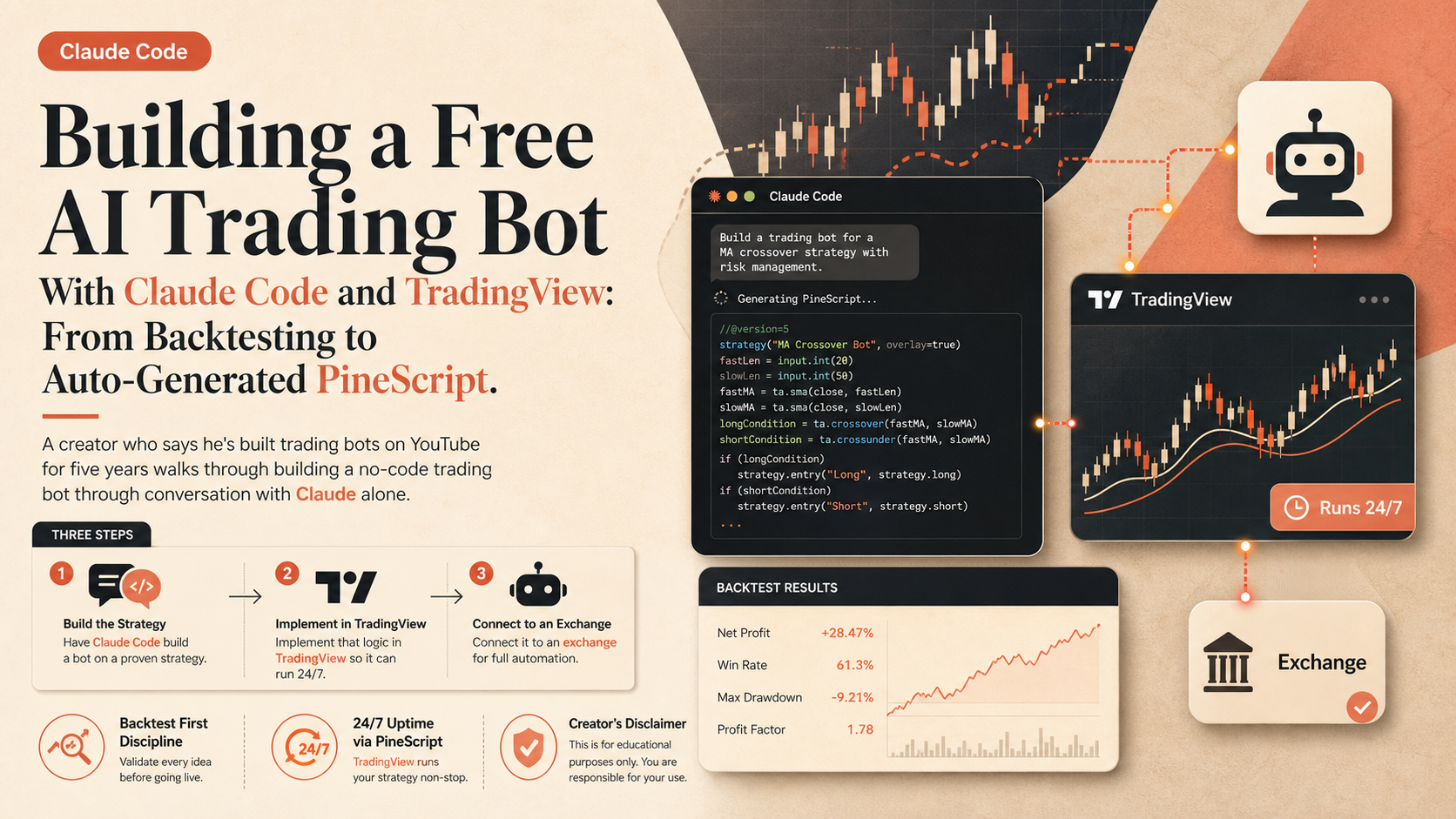
Building a Free AI Trading Bot With Claude Code and TradingView: From Backtesting to Auto-Generated PineScript
A creator who says he's built trading bots on YouTube for five years walks through building a no-code trading bot through conversation with Claude alone.

The Calum Johnson Show
Building a Membership Site With Claude Code in a Weekend, $20K in the First Week: 'You Don't Need the Terminal'
The guest says he built a membership platform, digitalcreatorclub.com, that would have previously cost $50,000-$100,000, in a single weekend using Claude Code -- and made about $20,000 in its first week.