
Claude Daily Claude Daily
RSS
Nate Herk | AI Automation 28 min video 3 slides

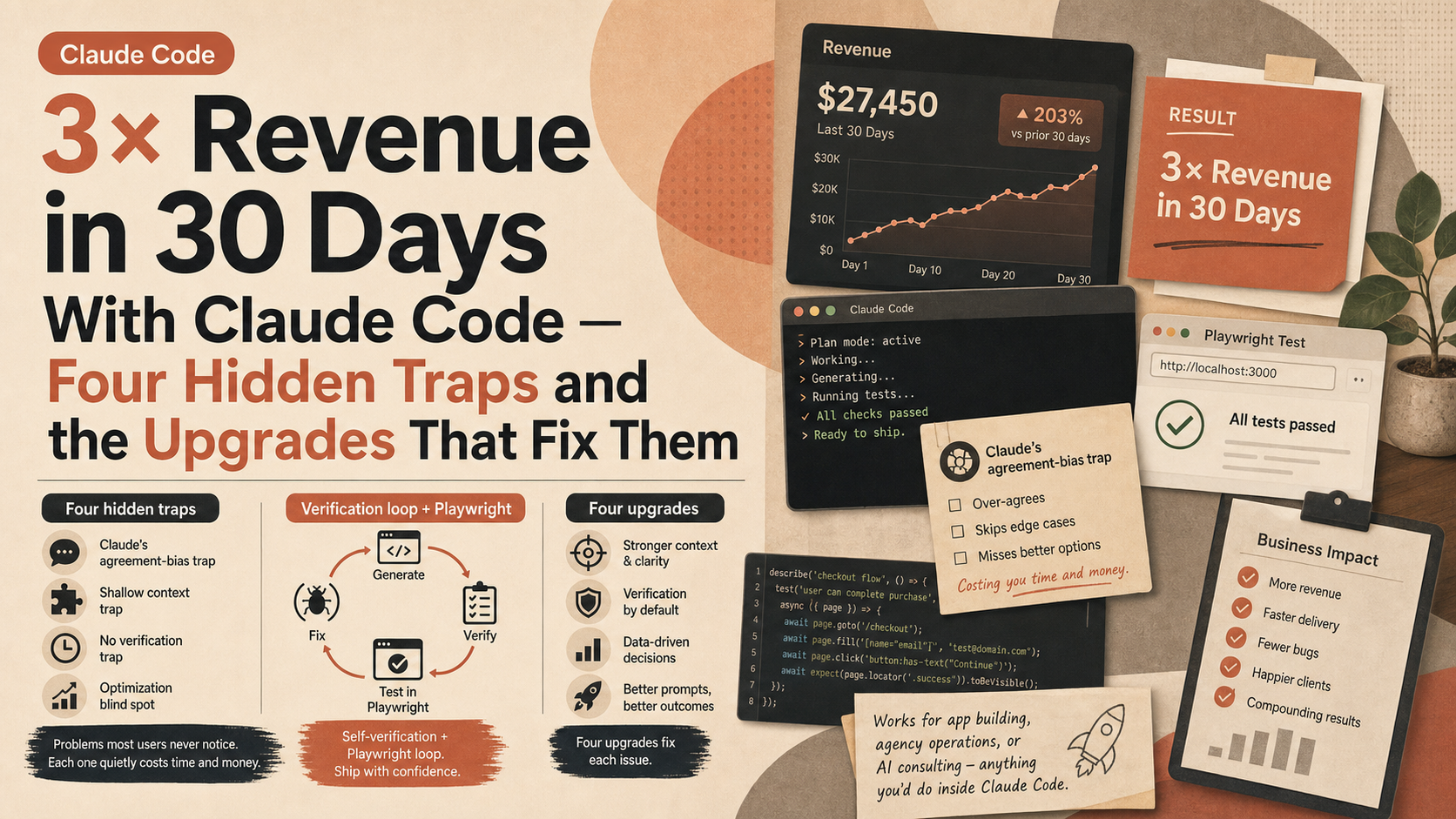
3× Revenue in 30 Days With Claude Code — Four Hidden Traps and the Upgrades That Fix Them
I asked Claude Code to make me as much money as possible
34,093 views 8 highlights

TL;DR · What you'll learn

  • 1 The creator figured out how to turn Claude Code into the best business partner he could ask for, and made 3× more money in the past 30 days. Claude has problems most users never notice, and each one is quietly costing time and money.
  • 2 Four upgrades to fix each issue. Works for app building, agency operations, or AI consulting — anything you'd do inside Claude Code.
  • 3 Most users trust Claude (and the underlying Opus) too much. But there are errors baked into Claude's design that make your results worse than they should be. By default, Claude is tuned to make you feel productive — not to give you the best answer.
  • 4 Upgrade 2 in practice: a verification loop. Open the generated site in the VS Code in-app browser. Click around — Features, How it works, Pricing, the waitlist section. Everything in line, no bugs, clean sections. (AI-generic looking, but functional.)
  • 5 The verification loop extends past build into stress testing. Use Playwright CLI to launch a headed browser, submit the form with multiple dropdown choices, varied emails and phone numbers — multiple passes to catch edge cases.
  • 6 Upgrade 4: stop being the bottleneck. Sub-agents, /goal, automation. Shift from builder/producer to problem solver, decision maker, reviewer, judge. That's how the technology actually grows the business.
  • 7 Four upgrades, recap: (1) stop letting Claude agree with you so you build the right thing, (2) make it check its own work so you ship what works, (3) manage context so Claude stays sharp, (4) sub-agents and /goal so work runs without you.
  • 8 Everything is in the creator's free school community — 400,000+ Claude builders. For deeper work, the plus community runs weekly calls. Links in the description.

Read as slides

3 slides total

01 Slide 1 / 3
Watch at 00:00

Four hidden traps — Claude's defaults aren't optimised for your results

Nate Herk (AI Automation) opens the video with a number. He figured out how to turn Claude Code into the best business partner he could ask for and pulled in 3× more revenue in the past 30 days. No magic — there are problems built into how Claude behaves that quietly cost users time and money on things that were never going to work.

The diagnosis is clean. Most users trust Claude (and the underlying Opus) too much and assume the default output is the best answer Claude could have given. But Claude has errors baked into its design that make results worse than they should be. The default tuning aims at 'make you feel productive,' not 'give you the right answer.' He builds four upgrades to correct the gap, and they generalise — app builds, agency work, AI consulting, anything you'd run inside Claude Code.

Claude Daily 01 / 03
02 Slide 2 / 3
Watch at 13:35

Verification loops and Playwright stress tests

Upgrade 2 gets demonstrated. The verification loop. The agent opens its generated site in the VS Code in-app browser, walks through Features, How it works, Pricing, the waitlist section. Everything in line, no bugs, sections clean. The look is AI-generic — but it works. (One em-dash slip noted.)

The more interesting move is extending verification into stress testing. The site has a form, and the agent hasn't tested submitting it. So he tells Claude: use Playwright CLI, open a headed browser, submit the form with multiple dropdown choices, varied emails, varied phone numbers — multiple passes, catching edge cases the human reviewer would miss. The generation tool verifies its own output through automated end-to-end runs.

Claude Daily 02 / 03
03 Slide 3 / 3
Watch at 27:09

Stop being the bottleneck — role shift in four moves

Upgrade 4 is the structural one. Stop letting yourself be the bottleneck. Sub-agents, /goal, automations — combine them so your role shifts from builder/producer to problem solver, decision maker, reviewer, judge. That role shift, he says explicitly, is how the technology grows your business.

The four-upgrade recap is the clean summary: (1) stop the agreement-bias so Claude builds the right thing, (2) self-verification loops so you ship what works, (3) context management so Claude stays sharp across long sessions, (4) sub-agents and /goal so the work runs without you in the loop. The full details live in his free 400,000-member school community, with a paid plus tier offering weekly calls for deeper work.

Claude Daily 03 / 03

Editor's Take

The 'make money' framing is a YouTube creator-economy convention; the actual content sits elsewhere. Among the four upgrades, the ones that matter most are stopping the agreement-bias and adding a self-verification loop. The former addresses a well-known RLHF tendency toward affirmative responses, the latter is a continuation of the recent Loop Engineering conversation. The most practically interesting move is using Playwright CLI to have Claude run end-to-end form stress tests on its own output. A coding agent verifying its own work through automated end-to-end runs is a meaningful step toward shifting pre-deploy verification off the human's plate. The takeaway for readers: the design target when wiring AI into a business is no longer 'a good prompt' but 'a loop that keeps running when you step away.' Claude Code's real productivity only shows up once the agreement-bias and verification-gap are deliberately corrected.

Source

I asked Claude Code to make me as much money as possible

Nate Herk | AI Automation

I asked Claude Code to make me as much money as possible

Published 6/25/2026 28 min 34,093 views

This article auto-summarizes the YouTube video's transcript with Claude. Please refer to the original video for nuance and exact wording.

Watch on YouTube

Related

3 articles